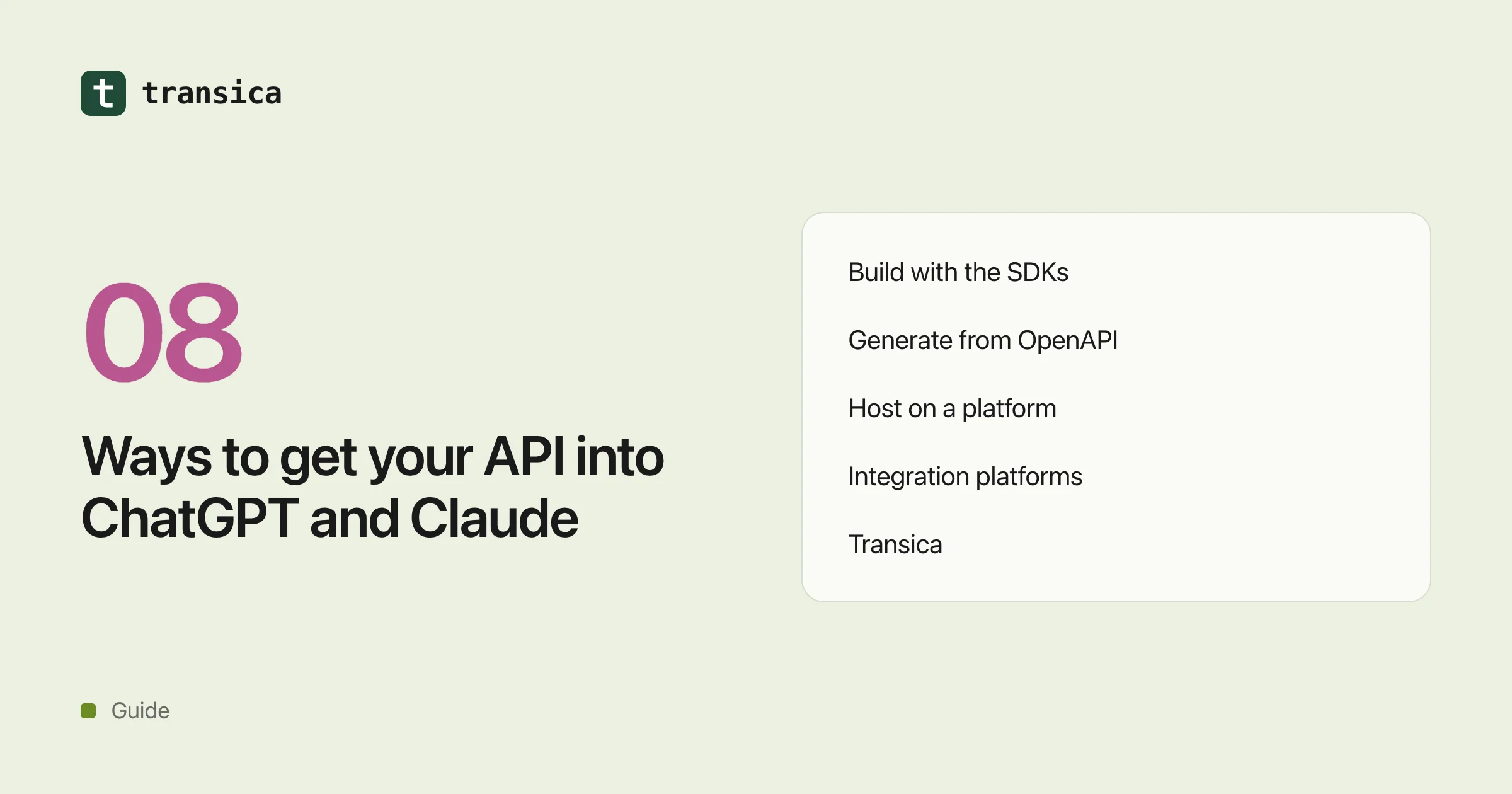
Ways to get your API into ChatGPT and Claude, compared
Build it yourself with the MCP SDKs, generate it from OpenAPI, host it on Cloudflare or Vercel, use an integration platform, or use Transica: what each gives you, what's left for you to do, and who it suits.
To show up in ChatGPT and Claude, your product needs a remote MCP server: a public HTTPS address that lists tools and calls your API. There are several ways to get one, and they leave very different amounts of work on your plate.
This is a fair comparison from each option's own docs and pricing pages as of 17 October 2026. We make one of the options (Transica), so we've tried to say plainly where others fit better. Products in this space change monthly, so follow the links before you choose. We don't quote other companies' prices; we link to their pricing pages.
What every route has to cover
Whichever way you build it, a listed app needs the same five things:
- Tools. A short list of well-named tools mapped to your API, with read and write annotations. See turn your API into an MCP server.
- Sign-in. OAuth through your identity provider for anything that acts on someone's account. ChatGPT's portal doesn't accept API keys for public submissions (OpenAI).
- Hosting. A stable public HTTPS address over Streamable HTTP. See MCP server hosting.
- Directory submission. Your own submission in OpenAI's Plugins page and in Claude's portal. None of the options below submit for you.
- Monitoring. Knowing when it breaks, and which tools AI apps actually call.
1. Build it yourself with the official MCP SDKs
The MCP project publishes official SDKs in TypeScript, Python, C#, Go, Rust, Ruby, Java and more (SDKs). OpenAI's docs build ChatGPT servers on the same SDKs and add an optional interface layer for ChatGPT (OpenAI).
- You get: the protocol, transports and complete control, including custom interfaces (MCP Apps) and tools that combine several API calls.
- You still do: everything else: tool design, the OAuth flow with your provider, hosting, monitoring and both submissions.
- Cost: free and open source; you pay for your own hosting and engineering time.
- Best for: teams with engineers to spare who want custom logic or a rich interface inside the chat.
2. Generate it from your OpenAPI spec
These tools turn an existing API description into an MCP server.
- Speakeasy generates a hosted server from your spec (each operation becomes a tool, plus custom TypeScript tools), serves it on your own domain, signs people in through your identity provider or Speakeasy's, and logs each call with export to Datadog or OpenTelemetry. Its pricing page shows an Enterprise plan priced on request. You still do the submissions.
- Stainless generates a TypeScript MCP server alongside your SDKs. Instead of one tool per endpoint, it exposes two: one that runs code against your SDK and one that searches its docs. Stainless's own hosting is deprecated, so you self-host the Docker image or a Cloudflare Worker, and OAuth works if your API supports dynamic client registration or through that Worker (remote servers). It has a free plan (pricing). You still do hosting, monitoring and submissions.
- FastMCP, the open-source Python framework, can build a server from a spec in one call. Its own docs say AI models do significantly better with curated servers than auto-converted ones, and suggest conversion for prototyping. Hosting is yours, or Prefect Horizon, Prefect's managed platform for FastMCP. You still do submissions.
Best for: API companies with a good spec, especially if you already use Speakeasy or Stainless for SDKs.
3. Host it on a developer platform
These give you a place to run a server you write.
- Cloudflare Workers serve remote MCP over Streamable HTTP, with sign-in through Cloudflare Access or providers such as GitHub, Google, Auth0, Stytch and WorkOS, and an open-source OAuth provider library. There's a free tier and usage-based paid plans (pricing).
- Vercel has
mcp-handlerfor Next.js and other apps, over Streamable HTTP. It checks tokens and publishes the OAuth metadata, but doesn't run an authorization server, so you connect one (pricing).
- You still do: writing the tools, connecting your sign-in, monitoring tool calls and both submissions.
- Best for: developers who already deploy there and want low-cost, scalable hosting.
4. Use an integration platform
Composio and Zapier MCP solve a different problem. They connect AI agents and AI apps to many third-party apps, with the connections handled for the user. A Zapier MCP tool call uses two tasks from the user's Zapier quota (Zapier). Composio can add an MCP server you already host as an experimental custom toolkit (docs).
Neither publishes your product as its own listing in ChatGPT or Claude. They're a good fit if your customers already automate with Zapier and your app is on it, or if you're building an agent that needs many other apps.
5. Use Transica
Transica covers the steps from your API to a hosted, listing-ready app.
- Build. Start from your OpenAPI spec (found on your site, a file, an address or a paste), the MCP server you already run, or AI agents that explore your site and draft tools from what they see. You pick the tools: reads are ticked, changes wait for your OK, and high-risk operations such as moving money or closing accounts are never recommended or run.
- Get listed. We check your app against ChatGPT's and Claude's published rules, run your test prompts, and prepare what each portal asks for (a plugin package for ChatGPT, the portal fields for Claude). You submit under your own name, and approval is the platform's call.
- Host. Your app runs over OAuth through the sign-in you already have (Supabase, Clerk, Auth0, WorkOS, Descope, Stytch, Better Auth, Logto, Keycloak or another OpenID Connect provider), with some tools public and others signed in if you like. Addresses on your own domain and the branded sign-in page come with Business and above.
- Monitor. Health checks every 15 minutes, an email when something breaks, and tool calls shown by AI app. We don't store argument values, results, tokens or IP addresses.
What it doesn't do: custom interfaces inside the chat (it serves tools only), and tools with custom code. Each tool maps to one of your API's operations or reads one of your public pages. If you need either, build your own server (options 1 to 3) and connect it to Transica for checks, tests and tool-change alerts.
Cost: free to build, test and check. Hosting starts with Maker at $19 a month, then Business $99 and Growth $299, each with one live app included and extra live apps at $29 a month (pricing).
Best for: businesses with an API and an existing sign-in who want to be listed in ChatGPT and Claude without running the server themselves.
Side by side
| Route | Tools | Sign-in for your users | Hosting | Submissions | Cost model |
|---|---|---|---|---|---|
| MCP SDKs | You write them | You build it | You run it | You | Free, open source |
| Speakeasy | From your spec, plus custom code | Your provider or theirs | Included, own domain | You | Enterprise, on request |
| Stainless | Code and docs-search tools | Via DCR or a Worker | You run it | You | Free plan, paid plans |
| FastMCP | From your spec, or written | You add it | You, or Prefect Horizon | You | Open source |
| Cloudflare or Vercel | You write them | Libraries help; you connect it | Included | You | Free tier, then usage or plan |
| Composio or Zapier | Their app connections | Handled for their apps | Included | Not a listing for your app | Free tier, then plans |
| Transica | From spec, server or site, you approve | Your existing provider | Included, own domain from Business | You, with a ready package | Free to build; $19 a month and up per live app |
How to choose
- You want full control or a custom interface in the chat: build with the SDKs and host on Cloudflare or Vercel.
- You already generate SDKs with Speakeasy or Stainless: try their MCP output first.
- You want customers to use many apps from their AI assistant, not list your own: look at Zapier or Composio.
- You want your product listed in ChatGPT and Claude, behind your own sign-in, without running a server: that's what Transica is for.
Whichever route you take, you can paste your server's address into our free MCP directory check to see how its tools measure up to the directories' published rules.
Common questions
### What's the cheapest way to build an MCP server? Writing it yourself with the free, open-source MCP SDKs and hosting it on a free tier such as Cloudflare Workers costs the least in fees. You then spend engineering time on sign-in, monitoring and submissions instead.
### Can I auto-generate an MCP server from OpenAPI? Yes. Speakeasy, Stainless and FastMCP all can, in different ways, and Transica imports a spec too. FastMCP's own docs warn that curated servers work better than straight conversions, so pick the operations people need rather than converting all of them.
### Will any of these submit my app to ChatGPT or Claude for me? No. Both directories expect you to submit in their own portals under your verified organization. Transica prepares the package and runs the checks, but you submit and the platform decides.
### Is Zapier MCP a way to list my product in ChatGPT? No. Zapier MCP lets people connect Zapier's app actions to AI clients. It doesn't create a listing for your product in ChatGPT's or Claude's directory.
### When is Transica not the right fit? When you need custom interfaces inside the chat, tools with custom code that combine several calls, or full control of your own infrastructure. Then build your own server with the SDKs and, if you like, connect it to Transica for checks and monitoring.
See how AI agents use your site today. Free page scan, no account needed.
Scan a pageMore guides
How to submit your app to ChatGPT's plugin directory (2026)
What OpenAI asks for before your app (now called a plugin) appears in ChatGPT's directory: verification, a public MCP server, sign-in, test cases and review. With links to OpenAI's docs.
How to get your connector listed in Claude's Connectors Directory
What Anthropic checks before your MCP connector appears in Claude's directory: tool annotations, OAuth, a test account, the common rejection reasons and the Community and Verified labels.