MCP tool design: best practices from the directory rules and the research
Eleven practices for MCP tools that AI agents pick correctly and the ChatGPT and Claude directories accept, drawn from OpenAI's and Anthropic's published rules, the MCP spec and the research, with every outside number linked to its source.
An AI agent can only use your product as well as your tools let it. Hand it 300 vaguely named endpoints and it guesses. Hand it six clear tools and it gets on with the job.
This post collects what the directory rules, the MCP spec and the published research say about designing MCP tools. Every outside number links to its source. Where a figure comes from secondary reporting rather than the original, we say so.
Start with the uncomfortable result
An MCP server isn't automatically better than your website. A paper called Terminal Agents Suffice for Enterprise Automation (31 Mar 2026, updated 14 Oct 2026) ran AI agents on 729 tasks across ServiceNow, GitLab and ERPNext. It gave each model three ways in: MCP tools, a web browser, or a terminal that calls the APIs directly. The MCP tool agent came last for every model.
| Model | MCP tool agent | Web browser agent | Terminal/API agent |
|---|---|---|---|
| Claude Sonnet 4.6 | 32.9%, $0.51 | 72.2%, $3.29 | 72.7%, $0.56 |
| Claude Opus 4.6 | 39.2%, $0.58 | 79.9%, $3.97 | 78.7%, $1.22 |
| Gemini 3.1 Pro | 37.1%, $0.11 | 68.9%, $0.69 | 77.5%, $0.09 |
Success rate and cost per task for three of the four models in Table 2 of the paper.
Look at the terminal column. Agents calling the same systems' APIs directly came within about a point of the browser or beat it, at a fraction of the cost. So structured access can work very well. An older study points the same way: in Beyond Browsing (Song et al., ACL Findings 2025), a GPT-4o agent finished 14.8% of WebArena tasks by browsing, 29.2% through APIs only and 38.9% with both.
Our reading: the protocol isn't the problem. The tools are. A generic set of tools can do worse than a browser, and a good set can do much better.
We saw this ourselves. In our own staging test on one site with synthetic data (a small sample), a site that was HTML-only first got an app that passed 0 of 6 tasks, against 6 of 6 on the website. That result is why we built page-reading tools. After that change, one launch went from start to hosted in 3 min 26 s and passed 3 of 3 tasks both ways.
Here's what the rules and the research say about getting the tools right.
The practices
1. Build a few workflow tools, not one per endpoint
Anthropic's engineering guide, Writing effective tools for agents (11 Sep 2025), says to build a few tools around high-impact workflows rather than wrapping every endpoint.
Think in jobs, not routes. An AI agent helping a customer doesn't want list_customers, get_customer, list_orders and get_order. It wants one tool that finds an order from an email address or an order number and returns its status.
Wrapping everything also costs money. In Beyond Browsing, API documentation in the prompt drove the cost per task to about $1.2 for the API agent, against about $0.1 for browsing. GitLab alone has 988 endpoints.
2. Keep the menu short
Both big providers say the same thing: fewer tools at once.
| Source | What it says | The number |
|---|---|---|
| OpenAI function calling guide (accessed 17 Oct 2026) | "Aim for fewer than 20 functions available at the start of a turn at any one time." A soft suggestion; use tool search for large sets. | Under 20 tools |
| Anthropic, advanced tool use (24 Nov 2025) | Five MCP servers with 58 tools used about 55K tokens before any conversation started. | About 55K tokens |
| Same Anthropic post | Tool Search cut context use by 85%. MCP eval accuracy rose from 49% to 74% for Opus 4 and from 79.5% to 88.1% for Opus 4.5. | 85% less context |
| RAG-MCP (May 2025) | Retrieving tools before selection raised selection accuracy from 13.62% to 43.13% and cut prompt tokens by more than half. Retrieval still degrades with thousands of tools. | 13.62% to 43.13% |
Tool search helps, but it's a workaround for a long list. A short list helps every client, including ones without tool search. Transica warns you from 25 tools and suggests what to merge.
3. Name tools as actions, and group them with a prefix
OpenAI's app submission guidelines (accessed 17 Oct 2026) require action-oriented names. Anthropic's tool-writing guide suggests grouping related tools under a shared prefix, so orders_search and orders_cancel sit together and an agent can tell them apart from invoices_search.
The MCP 2025-11-25 tools spec says tool names SHOULD be 1 to 128 characters, and that version's changelog added tool-name guidance (SEP-986). The current 2026-07-28 spec adds that servers SHOULD return tools in a deterministic order. Keep your list in the same order every time.
4. Write descriptions for a reader who can't ask questions
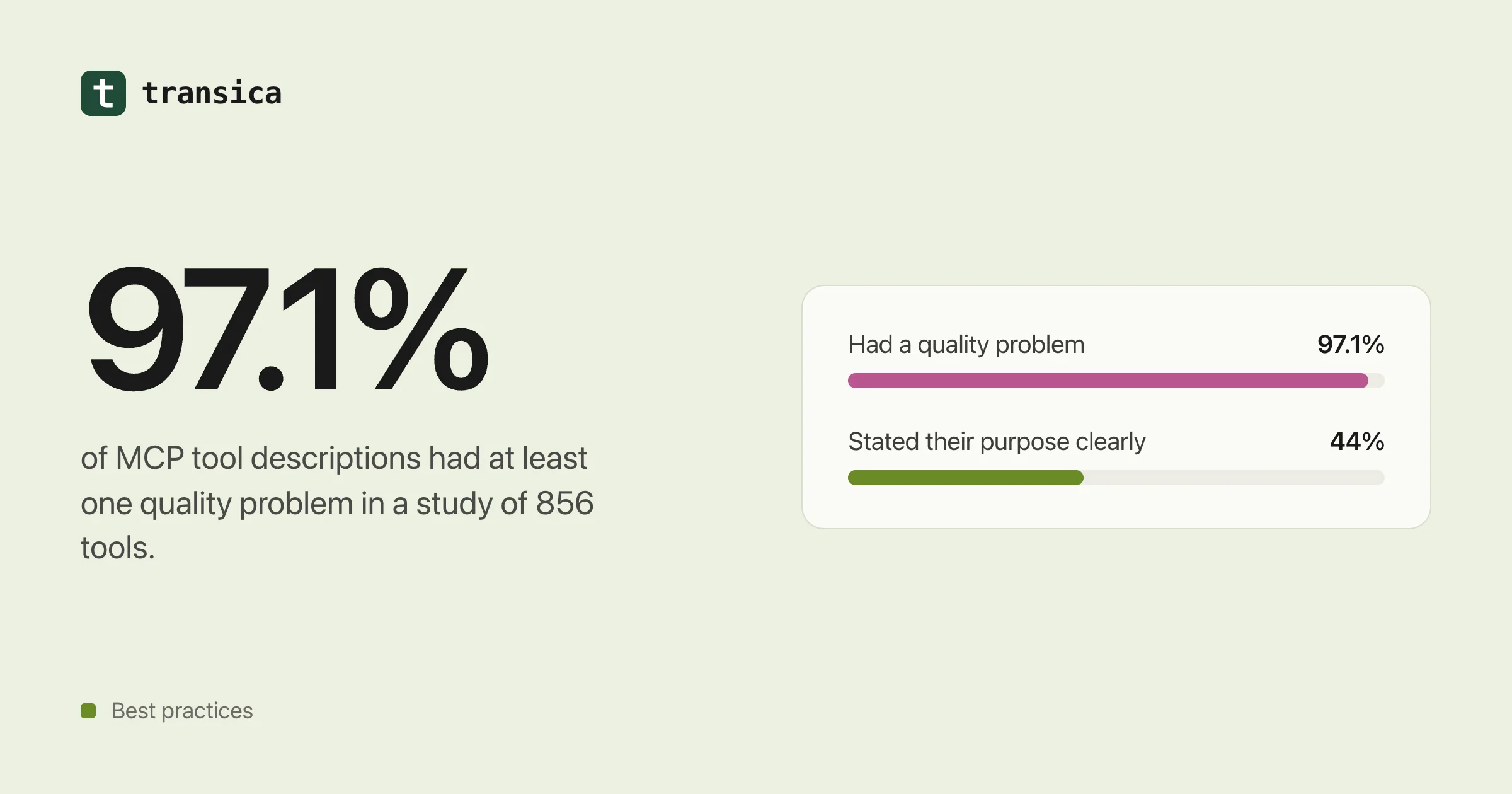
This is where most servers fall down. The paper MCP Tool Descriptions Are Smelly! (16 Feb 2026, revised 31 May 2026) checked 856 tools on 103 servers.
- 97.1% of descriptions had at least one "smell".
- 56% didn't state the tool's purpose clearly.
- Improving the descriptions raised task success by a median of 5.85 points.
Now the nuance. The improved descriptions also raised the number of steps by 67.46%, and 16.67% of cases got worse. Longer isn't automatically better. A description that rambles can send an agent down the wrong path as surely as one that says nothing.
A related study, From Docs to Descriptions (Feb 2026), covered 10,831 servers and found that problems with functionality and accuracy hurt tool selection most.
So write descriptions that are accurate first and short second:
- Say what the tool does, in one sentence.
- Say when to use it, and when to use a different tool instead.
- Say what comes back.
- State real limits: date ranges, page sizes, required formats.
Then test the change. The smelly-descriptions result shows a rewrite can backfire.
5. Set every annotation, explicitly
Annotations tell the assistant, the reviewer and the person what a tool does to their data. The two directories ask for different sets.
| Rule | ChatGPT Directory | Claude Connectors Directory |
|---|---|---|
title on each tool | Not in the cited rules | Required on every tool |
readOnlyHint | Required, set explicitly to true or false | Required: this or destructiveHint |
destructiveHint | Required, set explicitly to true or false | Required: this or readOnlyHint |
openWorldHint | Required, set explicitly to true or false | Not in the cited rules |
| Tool names | Action-oriented | Not in the cited rules |
| Sign-in | Reviewers need a demo account | OAuth 2.0 over HTTPS for authenticated services |
| Data you may not collect | PCI, PHI, government IDs or credentials | Not in the cited rules |
Sources: OpenAI app submission guidelines and Claude connector submission, both accessed 17 Oct 2026.
The simple rule: set title, readOnlyHint, destructiveHint and openWorldHint on every tool, and you satisfy both.
One thing annotations are not: a security control. The MCP tools spec says clients MUST treat annotations as untrusted unless the server is trusted. They're a promise to reviewers and people. Keep it honest.
6. Split reads from writes
A tool that both looks something up and changes it can't honestly say readOnlyHint: true. So it loses the one label that tells everyone it's safe to call.
Split them. bookings_search reads. bookings_create writes. The read tool can be marked read-only and used freely. The write tool carries destructiveHint where it applies, and you decide whether it ships at all.
That's how Transica proposes tools: reads come ticked, writes are left for you to approve, and high-risk operations are left out until you choose them.
7. Return less, and let the agent ask for more
Every token a tool returns sits in the agent's context and pushes out something else.
- Anthropic's guide suggests offering a concise or a detailed response. In its example, the concise one used 72 tokens against 206.
- Claude Code caps tool responses at 25,000 tokens by default, per the same guide.
- The MCP 2025-06-18 spec added structured tool output, so you can return typed data instead of a wall of text.
- If you show results visually in ChatGPT, OpenAI's UI guidelines (accessed 17 Oct 2026) allow at most two actions on a card, 3 to 8 items in a carousel, and no nested scrolling or deep navigation.
In practice: page your results, return IDs with short summaries, and add a detail option for when the agent really needs the full record.
8. Make errors say what to do next
Anthropic's guide says to write error messages that suggest the fix. The MCP tools spec says input validation errors go back as tool errors, so the model can correct itself and try again.
| Unhelpful | Helpful |
|---|---|
400 Bad Request | date must be YYYY-MM-DD, for example 2026-10-17. You sent 17/10/2026. |
Not found | No order matches 4471. Order numbers have 6 digits. Try orders_search with the customer's email. |
Unauthorized | This account can't see invoices. Ask the person to sign in with an admin account. |
Give the agent something to work with, and it can correct its own call instead of stopping.
9. Use OAuth the way the current spec says
The MCP spec has tightened sign-in across three versions since June 2025.
| Spec version | What changed for sign-in |
|---|---|
| 2025-06-18 | MCP servers are OAuth resource servers with protected resource metadata. Clients MUST use resource indicators (RFC 8707). |
| 2025-11-25 | Client ID Metadata Documents become the recommended registration method; dynamic client registration drops to MAY. Metadata aligns with RFC 9728. Adds incremental scope consent and OpenID Connect discovery. |
| 2025-11-25 authorization | PKCE is required, using S256 whenever the client can. Servers MUST validate the token audience, and token passthrough is forbidden (both carried over from 2025-06-18). |
| 2026-07-28 (current) | The protocol is stateless: no initialize handshake or session IDs. Dynamic client registration is formally deprecated. Clients MUST validate iss (RFC 9207) when it's returned. |
Claude's directory requires OAuth 2.0 over HTTPS for authenticated services, using dynamic client registration, client ID metadata documents or Anthropic-held credentials.
Most servers aren't there yet. Astrix reported, in a 2025 study of more than 5,200 open-source servers, that 88% need credentials, 53% use long-lived static keys or personal access tokens, and 8.5% use OAuth.
Don't build your own login. Transica hosts your server on your domain and signs people in through the sign-in provider you already use.
10. Treat your tools as an attack surface
Tool descriptions go straight into the model's context. That makes them a target.
- Tool poisoning. Invariant Labs disclosed the attack on 1 Apr 2025, with a proof of concept against Cursor. The idea: instructions hidden in a tool description steer the agent.
- MCPTox. According to the MCPTox paper (Aug 2025, AAAI), which tested 45 live servers, 353 tools and 20 agents, attacks succeeded 36.5% of the time on average and 72.8% against o1-mini. Even the most cautious agent refused less than 3% of the time.
Exposure is the other half. Here's what three scans found.
| Who scanned | What they looked at | What they found |
|---|---|---|
| Wiz (28 Jul 2026) | Cloud environments | About 1 in 6 cloud environments that use MCP expose at least one MCP server. About 70% of exposed servers return their full tool list to an anonymous caller, and about 42% return real data when a tool is called. Nearly all run spec 2024-11-05, which predates MCP auth. |
| Knostic (17 Jul 2025) | Internet-exposed servers | 1,862 found. All 119 checked by hand listed their tools without authentication. |
| Astrix (15 Oct 2025) | 5,200+ open-source servers | 53% use long-lived static keys or personal access tokens. |
What to do about it:
- Require sign-in for tool calls that touch private data, and think hard before listing tools to anonymous callers.
- Move off 2024-11-05. It predates MCP auth.
- Watch your own tool list. A description that changes overnight is worth knowing about. Transica checks connected servers' tools every 6 hours.
11. Test with realistic tasks, several times each
Anthropic's guide ends where you should start: evaluate with realistic tasks. Not "call get_order with ID 1", but "a customer says their parcel hasn't arrived; find out why".
Run each task more than once, because the same agent can take a different path each time. Count passes. Compare the app against your website, so you know the app actually helps.
It doesn't have to be slow or expensive. In our own staging test on one site with synthetic data (a small sample), 15 signed-in browser runs (3 tasks × 5) took 1,010 s and 190 steps in total, with $0.090 of model cost.
What this means for you: a checklist
Before you submit to a directory, check each of these:
- You have a handful of tools built around jobs people ask for, not one per endpoint.
- You have fewer than 20 tools, or a clear reason for more.
- Every name starts with a verb or a shared prefix, and the list comes back in the same order each time.
- Every description says what the tool does, when to use it and what it returns, and you tested that the rewrite helped.
- Every tool has
title,readOnlyHint,destructiveHintandopenWorldHintset explicitly. - No tool both reads and writes.
- Responses are paged and short by default, with a way to ask for detail.
- Errors say what was wrong and how to fix it.
- Sign-in uses OAuth with PKCE, validates the token audience and never passes tokens through.
- Your server is on a current spec version, and anonymous callers can't read private data.
- You ran realistic tasks several times through your app and your website, and the app passed at least as many.
How Transica fits
Transica turns your API spec, what AI agents observe on your site, or an existing MCP server into tools you approve. Reads come ticked, writes wait for your approval, high-risk operations stay out, and we warn you from 25 tools. We write titles and annotations, check them against ChatGPT's and Claude's published rules, host the server on your domain with OAuth through your existing sign-in provider, and run AI agent tests that compare your website and your app with exact pass counts. Approval doesn't guarantee a listing; that's the directories' call.
For the details, read our guides to turning your API into an MCP server, the ChatGPT app directory, the Claude connectors directory, MCP server hosting and managing your AI app listings. Or start with a free scan of your page to see how AI agents read it today.
See how AI agents use your site today. Free page scan, no account needed.
Scan a pageKeep reading
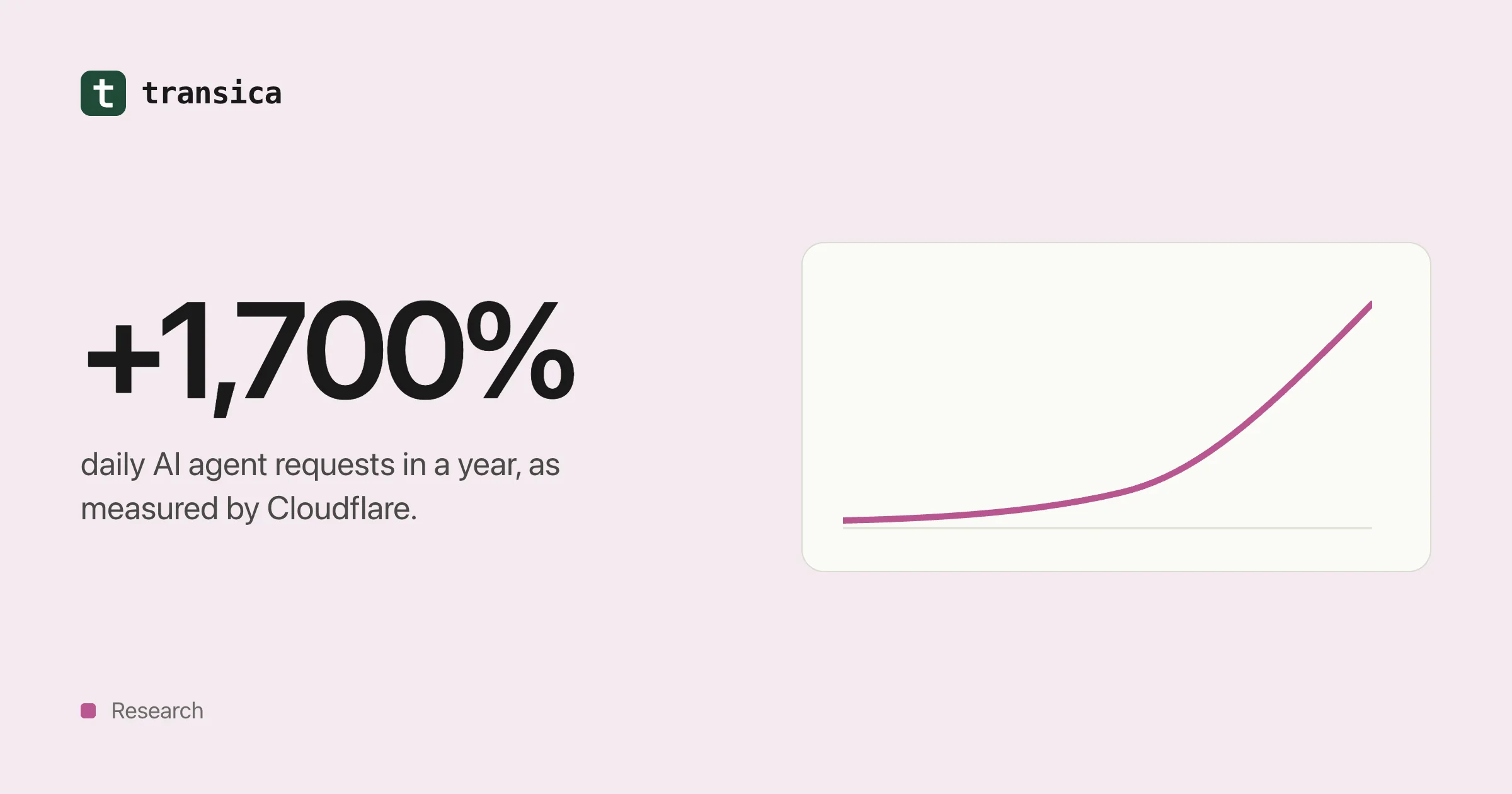
AI agent traffic in numbers (2025–2026)
What Cloudflare, Adobe, Pew, Imperva, HUMAN and Akamai have measured about AI crawlers and agents, what the numbers can and can't tell you, and what the shift means for your website.
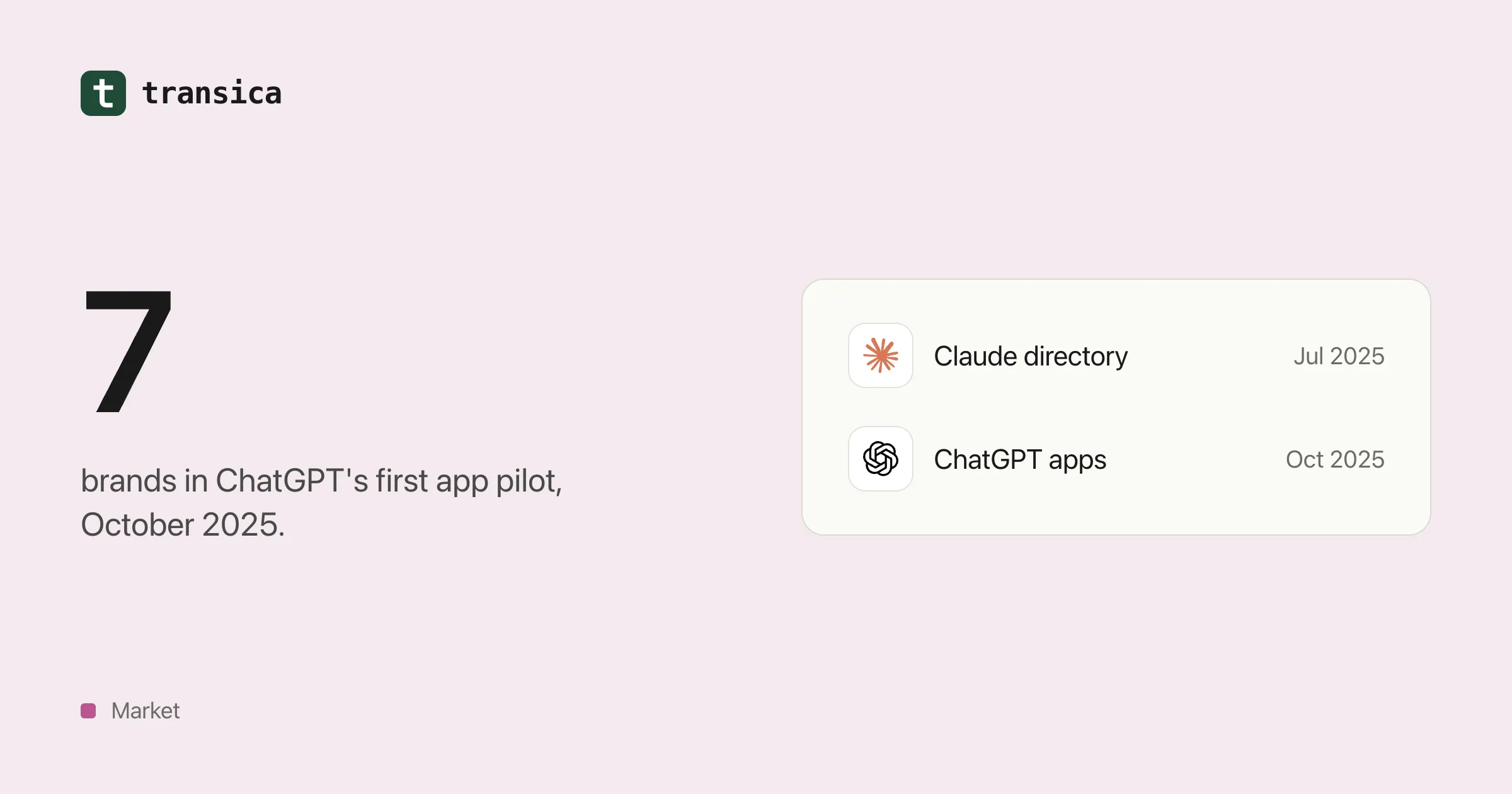
Who's already inside ChatGPT, Claude and Copilot
A dated timeline of the brands that built apps for AI assistants from 2024 to 2026, what those apps let people do, how the checkout experiment went, and what a mid-size business can take from it.