Why AI agents trip up on websites, and what an app changes
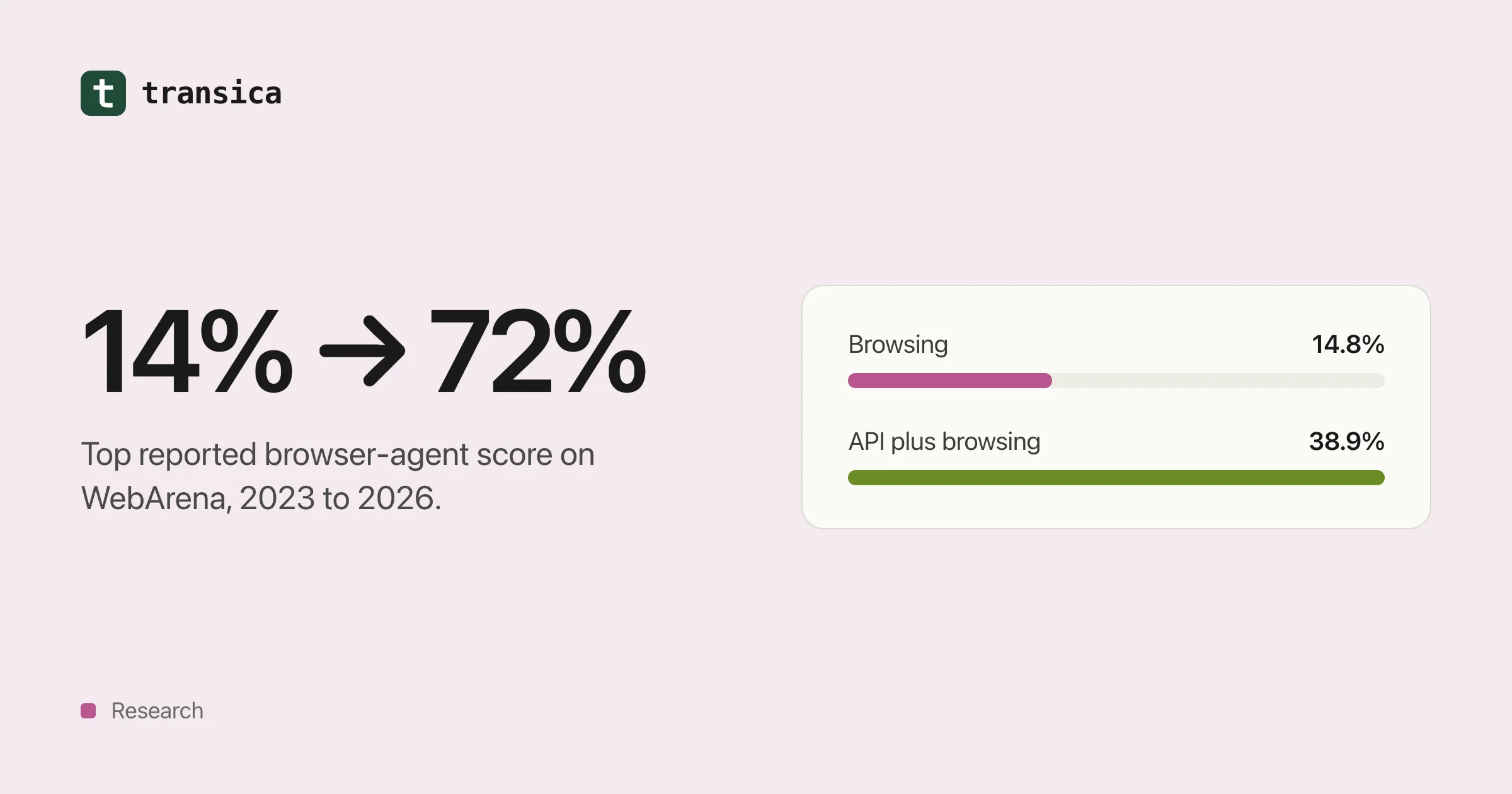
Browser agents went from 14% to around 60–70% on the standard benchmarks in under three years, but they're still slower, costlier and flakier than people. Here's what the research shows, and when an MCP app actually helps.
Picture an AI assistant asked to find the price of your premium plan. It opens your pricing page. A spinner turns while JavaScript loads the table. A cookie banner covers the "Buy" button. The annual price sits behind a toggle that needs a click the agent doesn't think to make. It reports the monthly price, or gives up.
None of this is exotic. It's how most websites are built, for people with eyes and a mouse. And it's why an AI that can write a sonnet still struggles to buy a pair of shoes.
This post looks at what the research says about AI agents using websites, where they get stuck, and what changes when you give them an app (an MCP server) instead. It includes one finding that should make anyone selling "just add MCP" a little nervous.
How good are browser agents, really?
Researchers measure web agents on benchmarks: hundreds of realistic tasks on real or replica websites, graded automatically. The best known is WebArena, which runs copies of a shop, a forum, a code host and a content management system, plus tools such as a map.
| When | Agent | WebArena success | Humans |
|---|---|---|---|
| July 2023 | Best GPT-4 agent in the original paper | 14.41% | 78.24% |
| January 2025 | OpenAI's computer-using agent behind Operator, as reported by The Decoder and ZBrain | 58.1% | 78.2% |
| February 2026 | OpAgent, a research system (paper) | 71.6% | 78.2% |
That's real progress: from one task in seven to roughly seven in ten in under three years. The same story shows up on OSWorld, which tests agents on a whole computer, not just a browser:
| When | Agent | OSWorld success |
|---|---|---|
| October 2024 | Claude 3.5 Sonnet, screenshots only (Anthropic) | 14.9% |
| January 2025 | OpenAI's computer-using agent, as reported by The Decoder and InfoQ | 38.1% |
| September 2025 | Claude Sonnet 4.5, OSWorld-Verified (Anthropic) | 61.4% |
| Baseline | People (OSWorld) | 72.36% |
So should you relax and let the agents figure out your site? Not yet, for three reasons.
1. Lab scores are higher than real-world scores
Benchmarks are tidy. The live web isn't. When researchers re-ran agents on 300 live tasks and graded them by hand (Online-Mind2Web), Operator succeeded on about 61%, and most other agents did worse than a simple 2024 baseline. A separate re-check put Operator at 68.6% on WebVoyager, against the 87% originally reported (Emergence).
On REAL, a benchmark built from deterministic copies of 11 popular websites, frontier models reached "at most 41%", according to its authors.
2. Agents are slow and wasteful
A study of 16 computer-use agents (OSWorld-Human) found they take "tens of minutes" on tasks people finish in a few minutes. Even the best used 2.7 to 4.3 times more steps than needed, and later steps could take three times longer than early ones as the context piled up.
Every extra step is another screenshot, another model call and another chance to click the wrong thing.
3. Your site isn't the benchmark
Benchmarks use a handful of well-behaved sites. Yours has its own cookie banner, its own date picker and its own sign-in flow. An agent that scores 70% on average can score zero on your checkout if one control confuses it.
Where agents get stuck
From our own agent tests and the research, the same culprits come up again and again:
- Content that arrives late. If the text isn't in the page when it loads, an agent that doesn't wait, or doesn't run scripts, reads an empty shell.
- Controls made for hands. A "button" that's really a styled
div, a slider you drag, a menu that opens on hover. - Walls. Verification screens, pop-ups and sign-in pages that assume a person is typing.
- Ambiguity. Three buttons that all say "Continue". A form field with no label.
- Hidden traps. Elements that people can't see but agents can, such as off-screen links or transparent buttons.
- Slow starts. A server that takes 20 seconds to wake up looks, to an agent, like a site that's down.
What an app changes
An MCP app skips the page altogether. Instead of asking an agent to figure out your site, you hand it a short menu: search_products, get_price, create_booking. Each tool has a name, a plain description and defined inputs. The agent calls the tool and gets data back.
The best direct evidence comes from Carnegie Mellon's Beyond Browsing study, which gave the same model the same WebArena tasks three ways:
| Approach | Success rate | Average steps | Cost per task |
|---|---|---|---|
| Browsing only | 14.8% | 8.4 | about $0.10 |
| API calls only | 29.2% | 7.8 | about $1.20 |
| API plus browsing | 38.9% | 8.5 | about $1.40 |
On the code-hosting site, success went from 12.8% browsing to 43.9% through the API. On the map site, from 20.2% to 45.4%.
Notice the cost column, though. The API agent was more expensive, because the researchers stuffed full API documentation into every prompt (the code host alone had 988 endpoints). That's the lesson in one table: direct access wins, but only if you hand the agent a focused menu, not your whole API reference.
The finding that should worry "just add MCP" pitches
In 2026, researchers compared three kinds of agents on 729 enterprise tasks across ServiceNow, GitLab and ERPNext (Terminal Agents Suffice for Enterprise Automation):
| Model | Generic MCP tools | Web browser | Terminal and API |
|---|---|---|---|
| Claude Sonnet 4.6 | 32.9% ($0.51) | 72.2% ($3.29) | 72.7% ($0.56) |
| Claude Opus 4.6 | 39.2% ($0.58) | 79.9% ($3.97) | 78.7% ($1.22) |
| Gemini 3.1 Pro | 37.1% ($0.11) | 68.9% ($0.69) | 77.5% ($0.09) |
The agents using off-the-shelf MCP tools did worst, by a wide margin. Direct API access came within about a point of the browser or beat it, at a fraction of the cost.
We think that's exactly right, and it's the most important thing to understand before you build an app. An MCP server isn't automatically better than your website. A good one is. The difference is the tools: whether they map to the jobs people actually ask for, whether their descriptions are clear, and whether they return what the agent needs in one call.
Other research points the same way. A study of 856 tools across 103 MCP servers found that 97.1% of tool descriptions had at least one quality problem, and 56% didn't clearly say what the tool was for (MCP Tool Descriptions Are Smelly!).
What we've seen in our own tests
We run the same tasks on a website and through its app, several times each, and count passes. Our numbers so far come from staging tests on one site with synthetic data, so treat them as illustrations, not benchmarks:
- A bad app loses to the website. Our first app for a site whose content lived mostly in HTML pages passed 0 of 6 tasks, while the browser agent passed 6 of 6. The app had one read tool and nothing that could read the pages people actually used. That result is why we built page-reading tools.
- A good app matches it, quickly. After that change, one launch went from start to hosted in 3 minutes 26 seconds and passed 3 of 3 tasks through the app and 3 of 3 on the website.
- Browsers cost time. Fifteen signed-in browser runs (3 tasks, 5 times each) took 1,010 seconds and 190 steps in total, about 67 seconds and 13 steps per run, for $0.090 of model cost.
Small samples. But they show why we insist on testing both ways before anyone claims an app is better.
What this means for you
- Don't assume agents can use your site. Run one through your most important journey and watch where it stops.
- Fix the cheap things on the website. Real buttons, labelled fields, content in the HTML, no hidden traps. People benefit too.
- Build an app around jobs, not endpoints. Five tools people need beat fifty that mirror your API.
- Measure, don't guess. Run the same tasks on the website and through the app, several times each, and compare passes, time and cost.
- Keep the website. An app doesn't replace it, and building one doesn't make an AI assistant recommend you. It gives agents a reliable way to do things for people who've already asked.
Try it on your own site
On Transica, an agent test sends an AI agent through tasks on your site while we record what it saw and where it got stuck. A comparison runs the same tasks through your app and reports exact pass counts and times, for example "4 of 5 runs passed", never a vague score. The methodology explains how we grade.
To build the app itself, start with our guide to turning your API into an MCP server. Or begin with a free page scan: no account needed.
See how AI agents use your site today. Free page scan, no account needed.
Scan a pageKeep reading
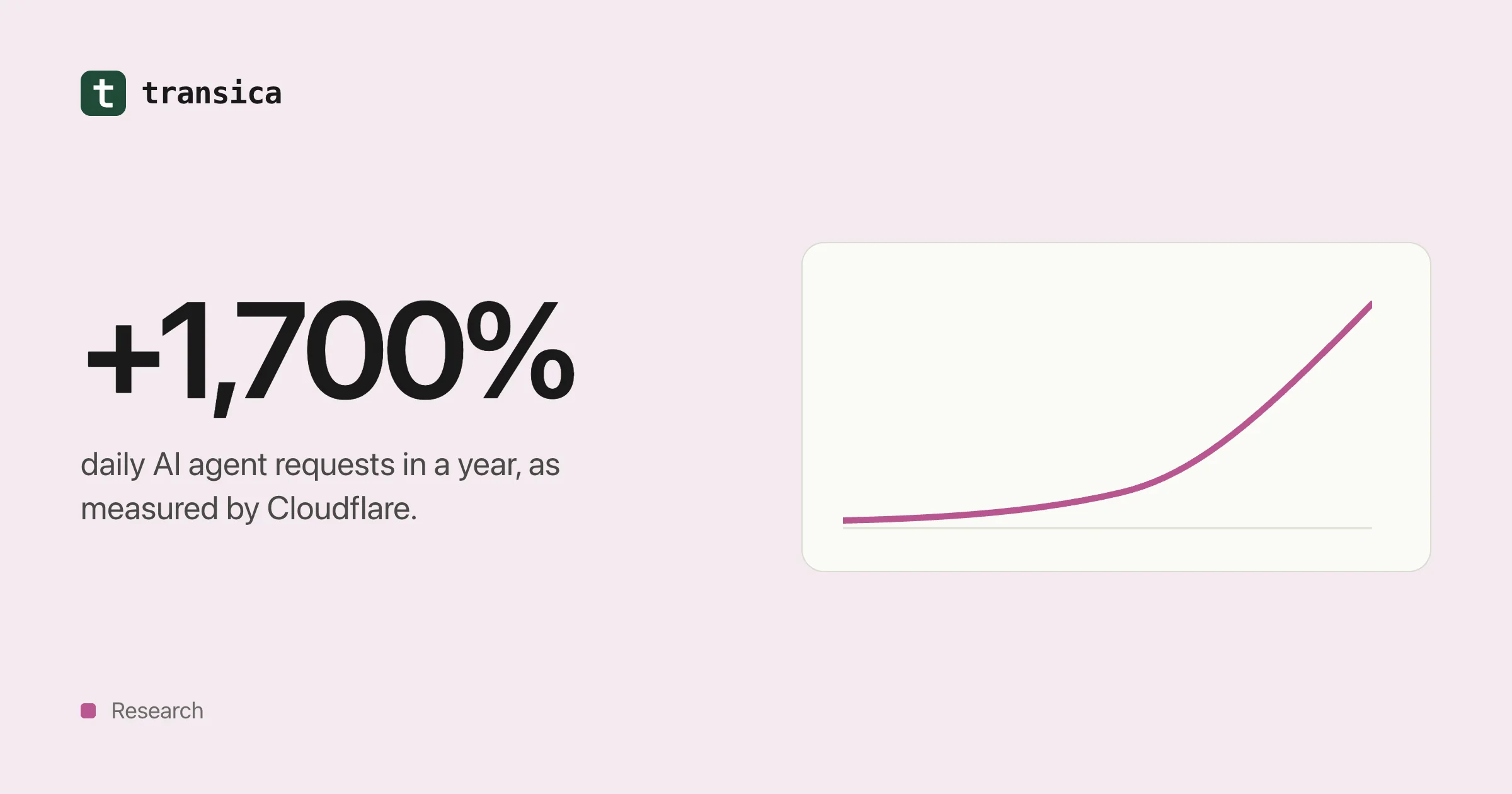
AI agent traffic in numbers (2025–2026)
What Cloudflare, Adobe, Pew, Imperva, HUMAN and Akamai have measured about AI crawlers and agents, what the numbers can and can't tell you, and what the shift means for your website.
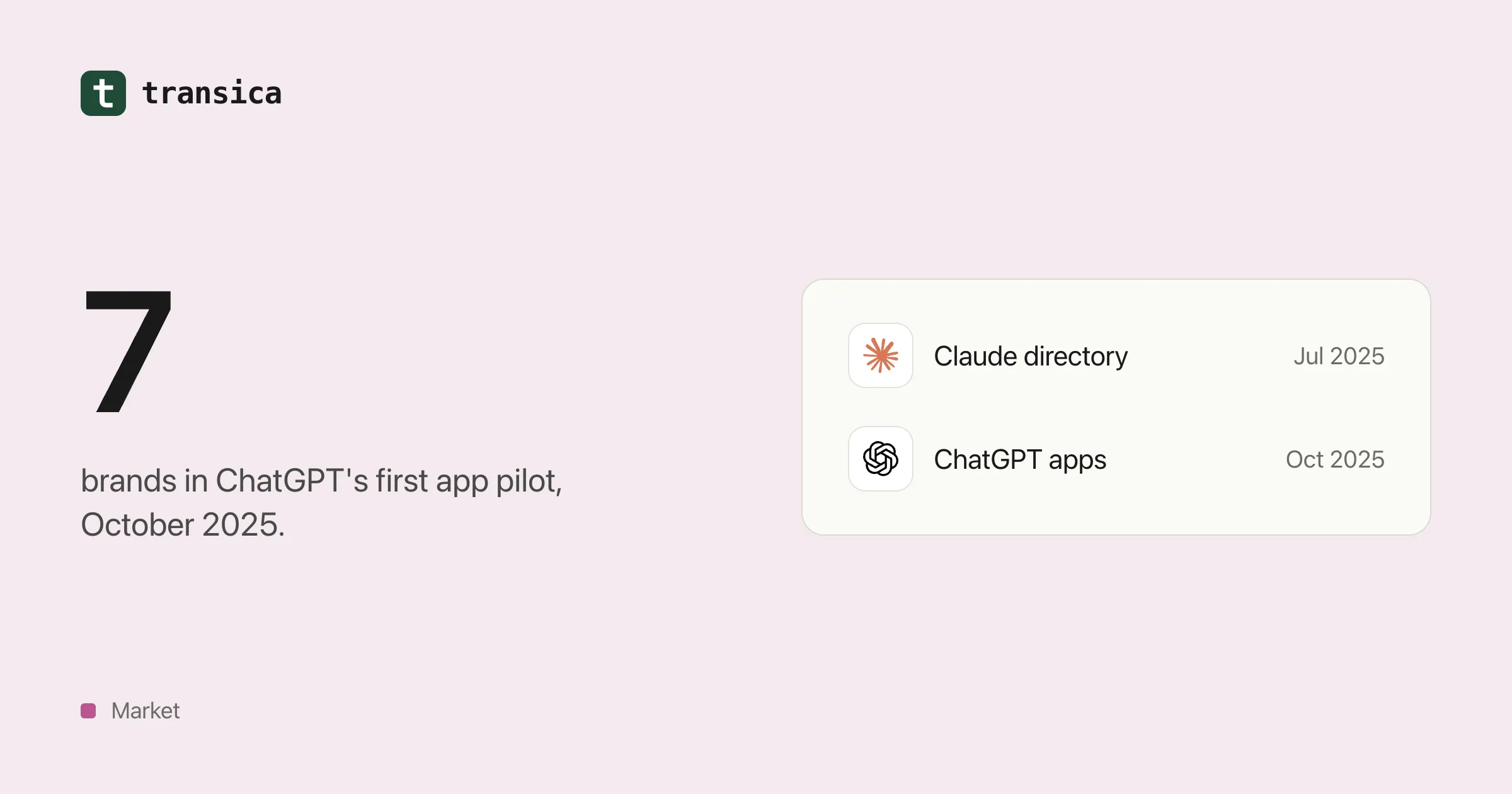
Who's already inside ChatGPT, Claude and Copilot
A dated timeline of the brands that built apps for AI assistants from 2024 to 2026, what those apps let people do, how the checkout experiment went, and what a mid-size business can take from it.