Most "ChatGPT for WooCommerce" products are tools for store staff, chat widgets on the store's own site, or product feeds for ChatGPT's shopping results. None of the ones checked below gives a store's shoppers an app of that store in ChatGPT's plugin directory where they sign in with their store account and ask about their own orders.
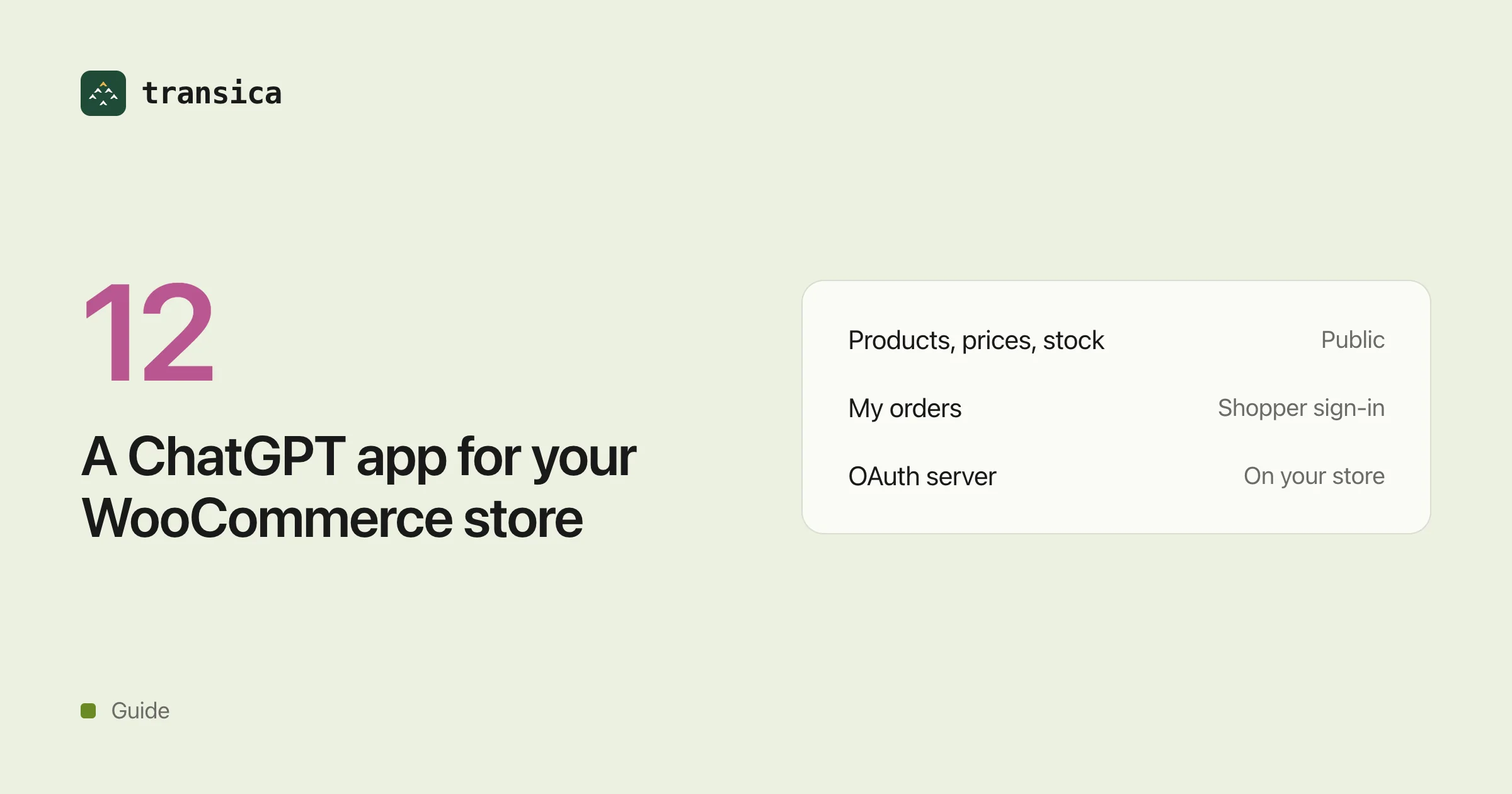
A store can build that app itself. Public tools (products, prices, stock) need no sign-in. Tools that read a shopper's own account need an OAuth server on the store, and a stock WordPress and WooCommerce install doesn't include one.
This guide reflects the pages listed under Sources, read on 28 October 2026. OpenAI's shopping and plugin pages change often, so check them before you decide.
What a WooCommerce store can put in ChatGPT today
| Option | Who it's for | What shoppers can do in ChatGPT | In ChatGPT's plugin directory? | Shopper sign-in? |
|---|---|---|---|---|
| ChatGPT for WooCommerce (Store Manager add-on) | Store staff | Nothing; it writes and translates product content with an OpenAI API key | No | No |
| techspawn woocommerce-chatgpt-app (open source) | Stores that deploy it themselves | Search products, filter by category, check stock; cart and checkout only in a paid Pro version, marked beta | Not listed; the store would submit it | No; it reads the store with a read-only REST API key |
| AI Checkout for WooCommerce | Merchants with Stripe and OpenAI merchant approval | Find products and buy through Instant Checkout | No; products appear in shopping results | No |
| ChatGPT Product Feed for WooCommerce (Webkul, $99) | Merchants | Find products from the feed; checkout through the Agentic Commerce Protocol | No | No |
| OpenAI product feeds (chatgpt.com/merchants) | Merchants who apply (waitlist) | Discover and compare products, then buy on the store's site | No; products appear in shopping results | No |
| Supermetrics for ChatGPT | Merchant and marketing staff | Nothing; staff ask about sales and order data | Yes, as Supermetrics' own plugin | Staff link a Supermetrics account |
| TalkToData Store Manager | Store owners | Nothing; owners run reports and store changes | Yes | No; it uses a store-owner REST API key |
| KaliCart Global | Shoppers | Search products across participating WooCommerce stores; read-only, no orders | Yes | None described |
| Elfsight WooCommerce ChatGPT plugin | Visitors to the store's website | Nothing in ChatGPT; it's a chat widget on the site | No | None described |
| WooCommerce MCP (developer preview) and MCP for WooCommerce (w7s) | Store staff and developers | Nothing; staff manage products and orders from an AI client | No | No; staff use Application Passwords or REST API keys |
| The store's own app | The store's shoppers | Public: products, prices, stock. Signed in: their own orders, and returns or warranty claims where the store's API offers them | Once the store submits it and OpenAI approves it | Yes, with their store account |
A search of ChatGPT's plugin directory for "WooCommerce" on 28 October 2026, signed out, returned eight plugins. TalkToData Store Manager is for store owners; KaliCart Global is the only one that serves shoppers, and its listing says it is read-only and doesn't place orders. None was a single store's app for its own customers. A store's app wouldn't necessarily mention WooCommerce in its listing, so a search can't rule one out. The same search in Claude's directory returned no connectors.
Two shopping changes matter here. OpenAI's merchants page now says purchases complete on the merchant's own site or app, and that OpenAI is moving away from standalone Instant Checkout, the in-chat checkout both checkout plugins above are built for. It also says Shopify and Etsy catalogs are already integrated, while other merchants apply and join a waitlist. Shopify's Agentic Storefronts puts eligible Shopify stores' products into ChatGPT and other AI apps, with checkout and orders in Shopify; it's a Shopify feature for Shopify stores. Neither covers a shopper's account, order status or returns.
What a ChatGPT app for a WooCommerce store needs
A public MCP server
ChatGPT connects to a plugin's MCP server at a stable public HTTPS address, one server per plugin. OpenAI asks you to prove you own the domain with a token served at /.well-known/openai-apps-challenge. OpenAI's docs call these submissions plugins now; a plugin brings an app and skills together.
Public tools: no sign-in
Product search, prices, stock, categories and reviews are public data. WooCommerce's Store API serves them without API keys. A ChatGPT app can answer "do you have this in a size 10?" from those reads alone, and ChatGPT lets a plugin mix public tools with signed-in ones.
Signed-in tools: an OAuth server on the store
OpenAI's authentication rules for plugin servers:
- OAuth 2.1 with the authorization code flow and PKCE. The authorization server's metadata must list
S256, or the server isn't supported. - Discovery metadata published by the authorization server.
- Client registration by a client metadata document (preferred), dynamic client registration, or a client you create.
- No API keys for public submissions, and no machine-to-machine grants.
A WooCommerce store doesn't provide this out of the box. Its REST API uses consumer key and secret pairs tied to a WordPress user, meant for staff and integrations. WooCommerce's MCP feature uses Application Passwords for a WordPress user. The Store API's order endpoint asks for the order key, plus the billing email for guest orders. None of these is a shopper signing in from ChatGPT.
So a store that wants signed-in tools needs one of these:
- An OAuth server plugin for WordPress, so shoppers sign in with their existing store account. For example, WP OAuth Server's plugin page lists PKCE and OpenID discovery; check which features are in its free or paid edition.
- An identity provider the store already uses for customer login, such as Auth0 or Keycloak.
Either way, the store's API has to accept that access token and return only that shopper's data. Check this with the plugin or provider you pick before you build tools on it.
Directory review
OpenAI reviews each plugin before it can be published. An app behind sign-in needs a demo account with sample data that works without MFA, email or SMS codes, or magic links. The review also asks for exactly five test cases that should work, three that shouldn't, a video walkthrough and a privacy policy. Details: How to submit your app to ChatGPT's plugin directory. Claude's directory asks for OAuth on any tool that acts on an account: Claude's Connectors Directory.
How Transica does it
- Tools. Transica builds tools from an API spec or from AI agents that explore the site, and the owner approves them.
- Public tools. In public mode only read (GET) tools are served, no credentials are sent, and calls go only to the site's own origin. Reads that needed sign-in are left out.
- Signed-in tools. Transica is the connector's OAuth 2.1 server for ChatGPT and Claude. A shopper sees a consent screen first, then signs in at the store's own provider. Transica keeps that provider's token encrypted and calls the store's API with it; the AI app never holds the store's token.
- Provider checks before going live. Published metadata whose issuer matches, authorization and token endpoints, the code flow with PKCE
S256, and a working registration (client metadata document, dynamic registration, or a client the owner creates). - Tested providers. Better Auth, Clerk, Auth0, Descope, Logto, WorkOS, Keycloak, Stytch and generic OAuth/OpenID passed end-to-end sign-in tests on staging in October 2026.
- Writes. A tool that changes data is served only if the owner approves it by name.
- Listings. Transica checks tools against both directories' published rules, runs the review's test prompts signed in as the demo account, and prepares ChatGPT's plugin package and Claude's portal fields. The store submits, and OpenAI and Anthropic decide.
- Address. A transica.dev address, or the store's own domain on the Business plan and up.
Limits. No WooCommerce store has been tested end to end with Transica yet, and no WordPress OAuth server plugin has been tested with it. Every signed-in tool shares one set of scopes. Transica can't promise a listing or speed up a review.
Common questions
Is there an official ChatGPT app for WooCommerce?
WooCommerce's own MCP feature, in developer preview, connects AI clients for store staff, not shoppers. A search of ChatGPT's plugin directory on 28 October 2026 found no plugin published by WooCommerce.
Can shoppers buy my WooCommerce products in ChatGPT?
They can find them. OpenAI's merchants page says products from accepted feeds appear in ChatGPT's shopping results, and purchases complete on the merchant's own site or app. Other merchants apply and join a waitlist; Shopify and Etsy catalogs are already integrated.
Can shoppers check their WooCommerce order status in ChatGPT?
Only through an app of the store that signs them in. That needs an OAuth server on the store with PKCE S256, and an API that returns the signed-in shopper's own orders.
Does a stock WooCommerce store support ChatGPT sign-in?
No. WordPress and WooCommerce don't ship an OAuth server. The store needs an OAuth server plugin or an identity provider it already uses for customer login.
Do public product tools need sign-in?
No. WooCommerce's Store API serves products, prices and stock without API keys, and ChatGPT allows public tools next to signed-in ones.
Does the same app work in Claude?
Yes. Claude connects to the same remote MCP server, and its directory asks for OAuth on tools that act on an account. A search of Claude's directory for "WooCommerce" on 28 October 2026 returned no connectors.
Sources
All read on 28 October 2026.
- OpenAI: Plugins, Upload and submit your plugin, Authentication, Plugins in ChatGPT, ChatGPT plugin directory, Power product discovery in ChatGPT, Agentic commerce key concepts
- WooCommerce: MCP, MCP for WooCommerce (w7s), Store API, Store API order endpoint, REST API
- Shopify: Agentic Storefronts
- Anthropic: Claude connectors and plugins
- Products: ChatGPT for WooCommerce, techspawn/woocommerce-chatgpt-app, AI Checkout for WooCommerce, ChatGPT Product Feed for WooCommerce, Supermetrics: Connect WooCommerce to ChatGPT, Elfsight WooCommerce ChatGPT plugin, WP OAuth Server