What's a live app? Hosting your MCP app on your own domain, behind your sign-in
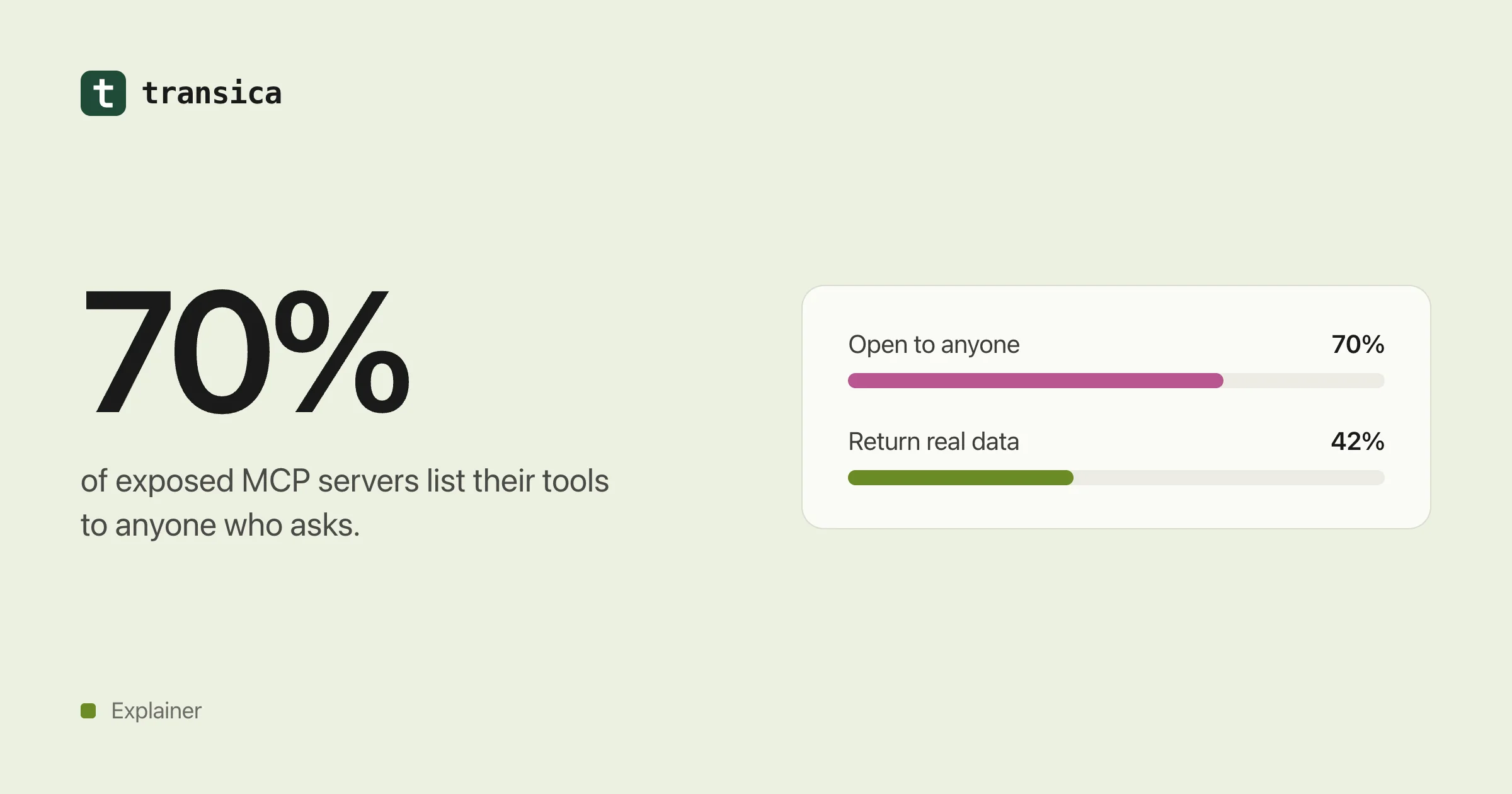
About 70% of exposed MCP servers hand their tool list to anyone who asks. Here's what it takes to run an app ChatGPT and Claude can rely on: your domain, your sign-in, the 2026 auth rules, monitoring, and what we handle for you.
Building an app that AI agents can use is one job. Keeping it running, secure and tied to your customers' accounts is another, and it's the one most teams underestimate. On Transica, that second job is what we call a live app.
The short version
A live app is your MCP app, hosted by us, served from an address on your own domain (for example mcp.yourcompany.com), where people sign in with the account they already have with you. We keep it up, keep it secure, watch it, and show you how it's used.
Why hosting is harder than it looks
An MCP server that works on a laptop is a weekend project. One that ChatGPT's 1.2 billion weekly users (Engadget) could reach, on your brand, with their accounts behind it, is a different thing.
Security researchers have been scanning the internet for MCP servers, and the results aren't pretty:
| Study | What they found |
|---|---|
| Wiz, July 2026 | About 1 in 6 cloud environments that use MCP expose at least one MCP server. About 70% of exposed servers return their full tool list to an anonymous caller, and about 42% return real data when a tool is called. Nearly all ran a 2024 protocol version that predates MCP's sign-in rules. |
| Knostic, 2025 | Found 1,862 internet-exposed servers; all 119 checked by hand listed their tools without any sign-in. |
| Astrix, 2025 | Of 5,200+ open-source servers, 88% need credentials, but 53% rely on long-lived static keys and only 8.5% use OAuth. |
The lesson isn't that MCP is unsafe. It's that a server stood up quickly, with a shared API key and no proper sign-in, is easy to get wrong. A live app is built so you don't have to.
Why your own domain
Directories and assistants show people where an app comes from. If it lives at your domain, it's clearly yours. That matters for trust, and for review: Anthropic says your MCP server's domain should match your service, and OpenAI asks you to prove you own it by serving a token at /.well-known/openai-apps-challenge.
It also keeps you in control. If you ever leave, the address stays yours to point somewhere else.
With Transica you add one DNS record to connect the domain, and we check you own it before anything goes live.
Why your existing sign-in
Most useful apps act on someone's account: "show my invoices", "reschedule my appointment", "what's my order status". That needs the person to sign in, and you already have a way for them to do that.
Here's what happens when someone connects your app in ChatGPT or Claude:
- They pick your app and click connect.
- They land on your branded page and sign in with the provider you already use (Auth0, Clerk, WorkOS, Descope, Amazon Cognito, Better Auth or another OpenID Connect provider).
- They see which tools need their account and approve access.
- The assistant gets a token scoped to your app, and only for the tools that need it.
We don't create a second set of user accounts. Passwords stay with your sign-in provider.
The sign-in rules changed, twice
MCP's authorisation rules have moved quickly, and both directories expect current ones:
| Spec version | What changed |
|---|---|
| 2025-06-18 | MCP servers became OAuth resource servers with protected resource metadata; clients must use resource indicators so tokens are bound to your server. Servers must check each token was issued for them, and passing tokens through to another API is forbidden. |
| 2025-11-25 | Client ID Metadata Documents became the recommended way for apps like ChatGPT and Claude to register, and dynamic registration became optional. Clients must use PKCE's S256 method when they can, and check the sign-in server supports PKCE before starting. |
| 2026-07-28 | The protocol became stateless (no initialize handshake or session IDs); dynamic client registration formally deprecated; clients must check the issuer (iss) whenever the authorisation server includes it. |
Keeping up with this is a job in itself. On Transica it's ours. Sign-in on a live app follows the 2026-07-28 authorisation rules, including Client ID Metadata Documents, PKCE, tokens bound to your app and issuer checks, and we track each new version as it lands.
What you control
- Which tools exist. You approve each one before it goes live. Reads are suggested, writes wait for your tick, and high-risk operations are left out.
- Who can use each tool. Some can be open to anyone, like a public price lookup. Others need the person to sign in. ChatGPT supports this mix directly.
- How it looks. Your name, logo and colour on the sign-in and consent pages.
- When it's on. Turn a tool off, or the whole app. Turning hosting off also removes every AI app's access.
What we handle
| Job | What it means |
|---|---|
| Hosting | Your app at your address, with TLS and scaling. |
| Sign-in | OAuth discovery, client registration, PKCE, consent and token checks, wired to your provider. |
| Health checks | We check your app every 15 minutes and email you when something breaks. |
| Tool changes | For servers you connect, we check the tools every 6 hours, save each change as a version, show the diff and rerun your tests. |
| Usage | Every tool call, by AI app (ChatGPT, Claude, Cursor and others), with outcome and timing. |
| Listing readiness | Checks against ChatGPT's and Claude's published rules, so you can submit when you choose. |
What we record about calls is deliberately narrow: which tool, the outcome, timing and the AI app. We don't store argument values, results, tokens or IP addresses.
Live app or do it yourself?
| Do it yourself | Live app on Transica | |
|---|---|---|
| Server | Build, deploy and scale it | Built from your API and hosted |
| Sign-in | Implement OAuth to the current MCP spec | Uses the provider you already have |
| Domain | Configure DNS, TLS and verification | One DNS record; we verify |
| Monitoring | Set up checks and alerts | Every 15 minutes, with email alerts |
| Spec changes | Track and implement them | Handled |
| Testing | Write your own | AI agents run your tasks on the site and the app |
Doing it yourself is entirely possible. Plenty of teams will. A live app is for the teams who'd rather spend that time on their product.
The limits
A live app isn't a guarantee that assistants will use it, and each directory still decides for itself whether to list it. What it gives you is an app that works, on your domain, for the people who sign in, and that you hear about first when it doesn't.
What this means for you
- Don't ship a public MCP server with a shared key. Use OAuth, scoped to your server.
- Put it on your domain. Both directories effectively expect it.
- Watch it. A listing stays up when your server goes down; calls just fail.
- Keep up with the spec, or pick someone who will.
Read our MCP hosting guide for the details, see pricing for the plans, or contact us with questions.
See how AI agents use your site today. Free page scan, no account needed.
Scan a pageKeep reading
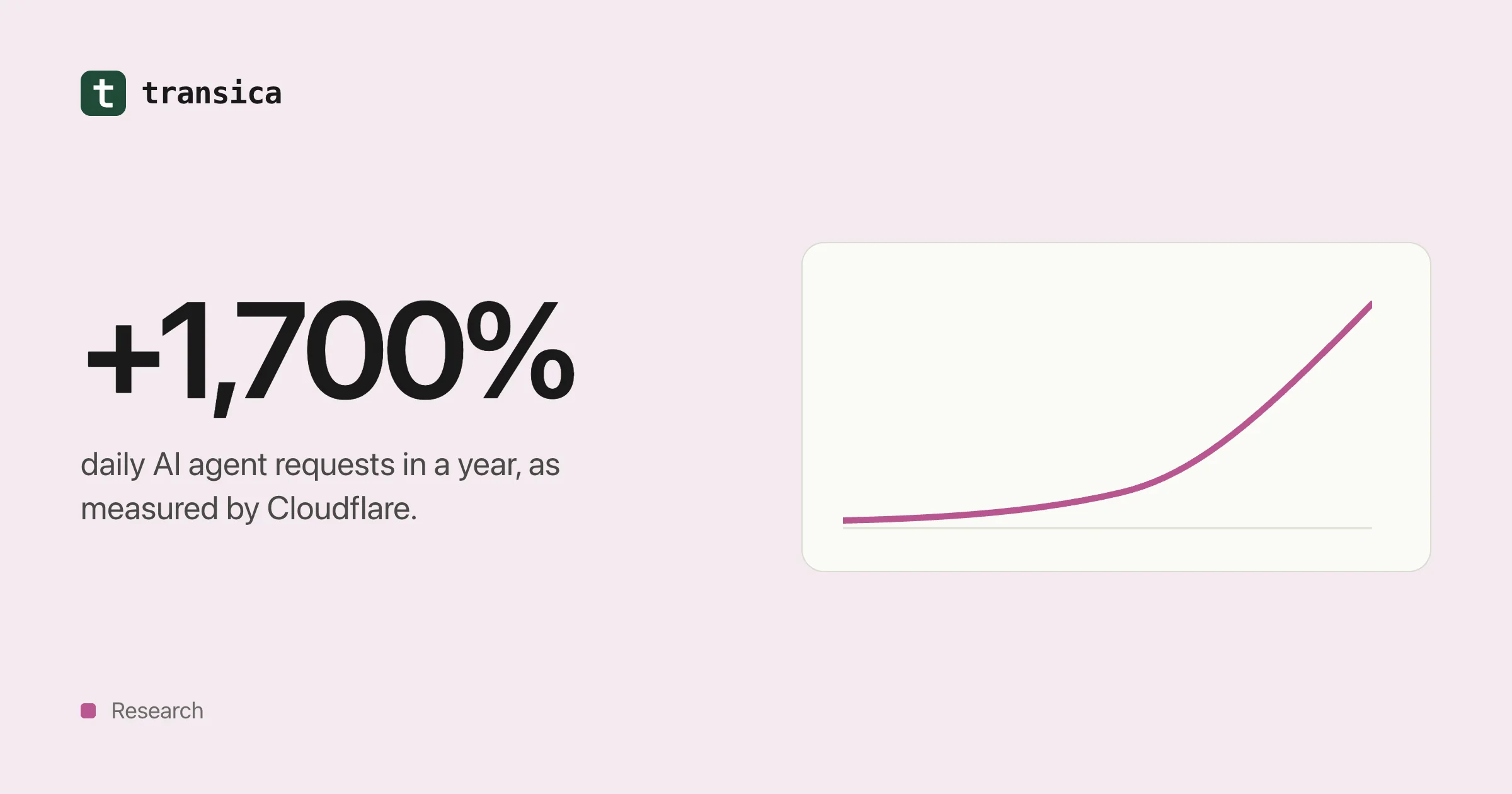
AI agent traffic in numbers (2025–2026)
What Cloudflare, Adobe, Pew, Imperva, HUMAN and Akamai have measured about AI crawlers and agents, what the numbers can and can't tell you, and what the shift means for your website.
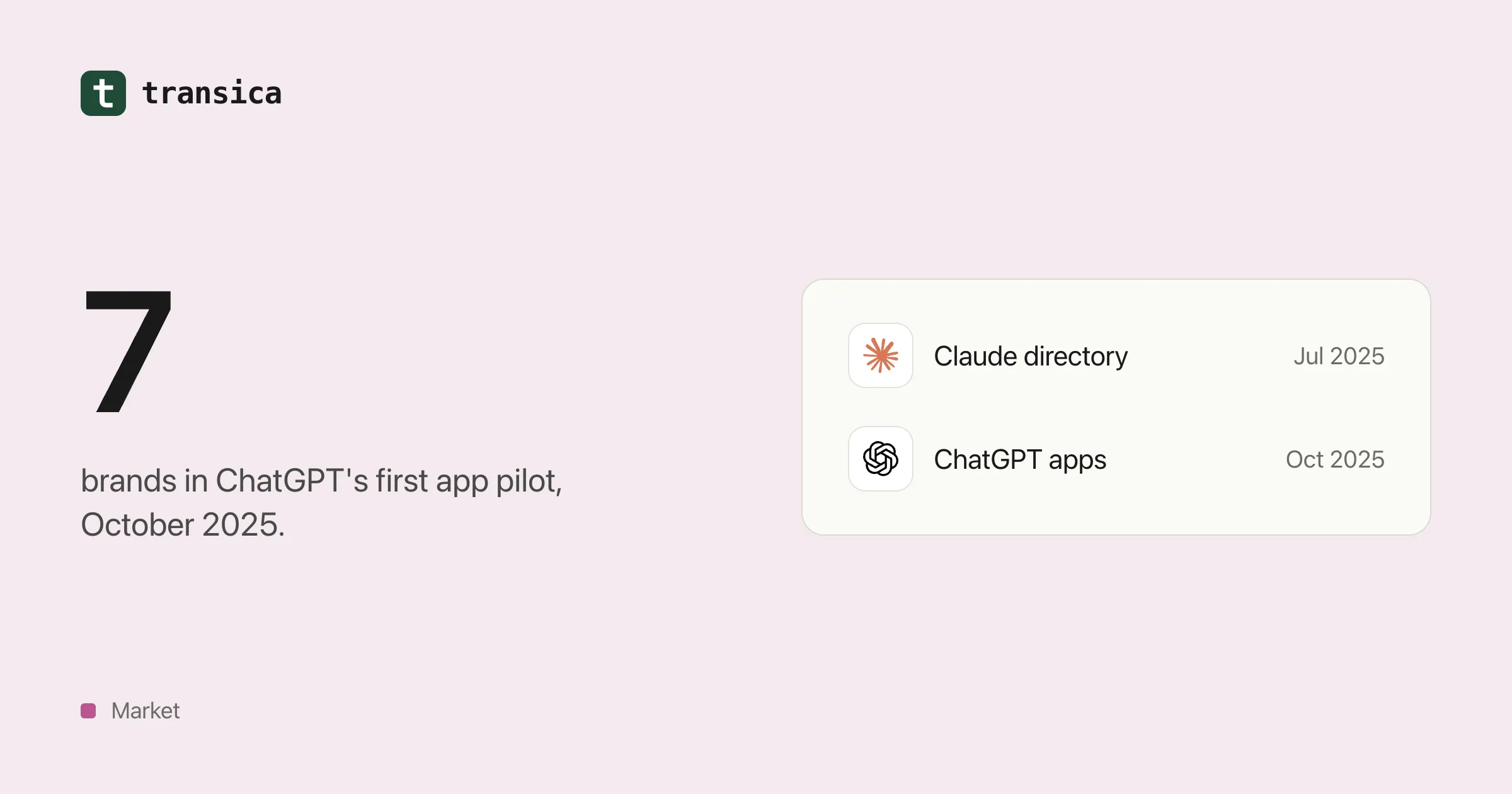
Who's already inside ChatGPT, Claude and Copilot
A dated timeline of the brands that built apps for AI assistants from 2024 to 2026, what those apps let people do, how the checkout experiment went, and what a mid-size business can take from it.