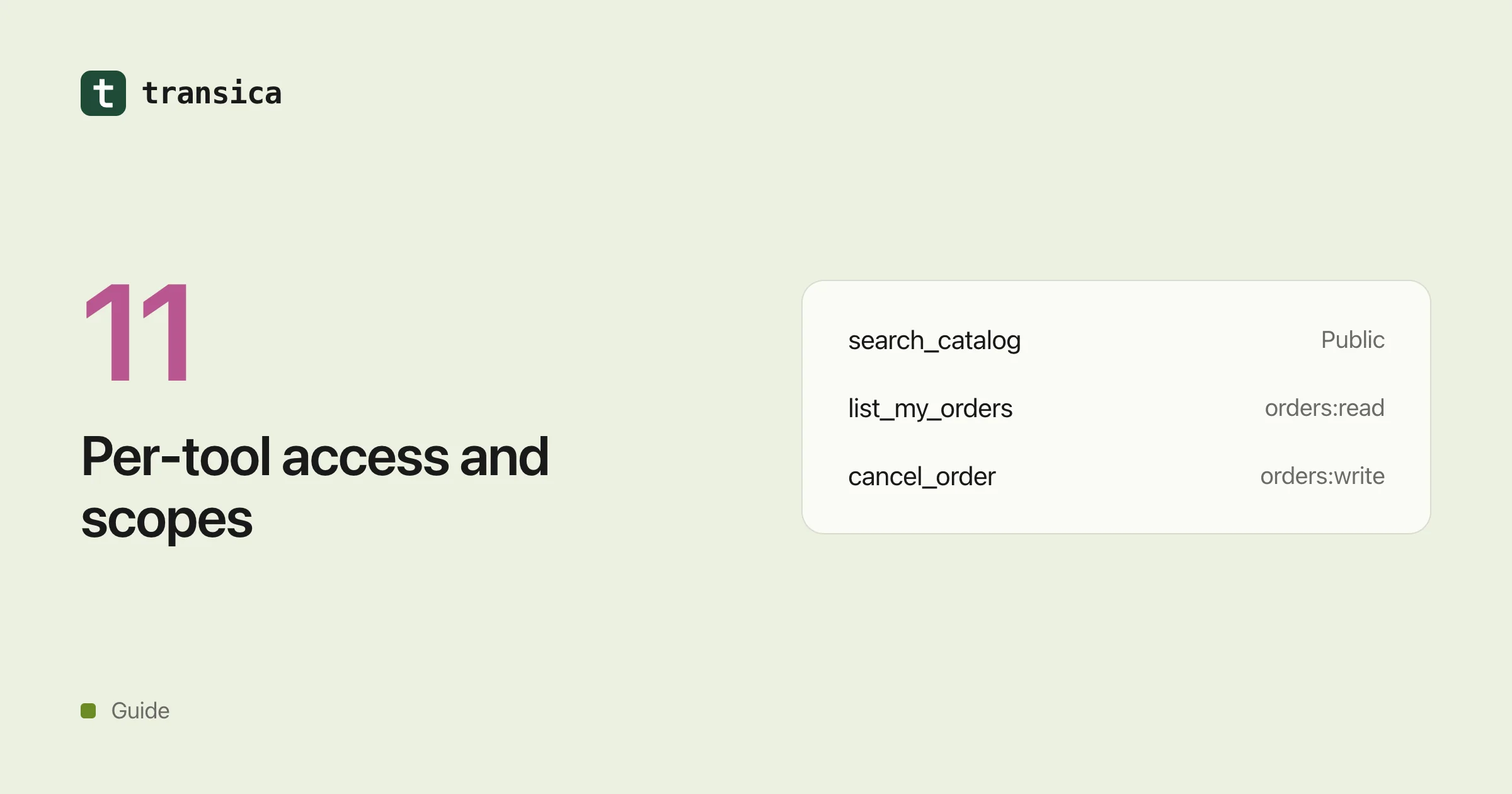
Not every tool needs the same access. Searching your public catalog needs none. Reading someone's orders needs them to be signed in. Cancelling an order needs them signed in and a stronger permission on top.
Put every tool behind one sign-in with every permission, and two things go wrong. People hit a consent screen before they've seen anything useful. And the AI app ends up holding far more power than most conversations need.
The MCP specification and both of the big AI apps now support something finer. This guide covers what works as of 24 October 2026, based on the MCP authorization specification, Claude's lazy authentication docs and OpenAI's Apps SDK auth docs. If OAuth on MCP is new to you, read MCP server authentication first.
Three kinds of tool
It helps to put each tool in one of three buckets. Some are public: safe for anyone, like searching the catalog, opening hours or pricing. Some are signed in, reading: they act on the person's own data but change nothing, like "show my bookings". And some are signed in, changing data: they create, update, delete, pay or send, like "cancel my booking".
Decide this tool by tool, not for the whole server. The two common mistakes run in opposite directions: putting a write tool in the public bucket because it's convenient, and making every tool wait for sign-in when half of them don't need it.
Public tools first, sign-in only when needed
Both apps let people connect your server, use the public tools straight away, and sign in only when the AI reaches a tool that needs their account. Claude calls this lazy authentication; OpenAI calls it mixed auth. The idea is the same, but each app listens for a different signal.
In Claude, let initialize, tools/list and public tool calls through without a token, and give everyone the same tool list so the AI can plan with all of it. When someone calls a signed-in tool without a valid token, answer at the HTTP level with a 401 and a WWW-Authenticate header pointing at your metadata. That check has to happen before your MCP SDK handles the request: anything a tool handler returns gets wrapped in a 200, and a 200 never starts sign-in. Get it right and Claude shows a Connect card in the conversation, then retries the same tool call once the person has signed in. The conversation simply carries on.
In ChatGPT, declare securitySchemes on every tool: noauth for public tools, oauth2 with its scopes for signed-in ones, or both for a tool that works anonymously but does more when signed in. When a signed-in tool is called without a usable token, return a tool error (isError: true) whose _meta["mcp/www_authenticate"] carries the challenge. ChatGPT only shows its sign-in prompt when both halves are there.
Other clients vary. Claude Code notices the challenge but asks the person to run /mcp to sign in. Some clients only handle sign-in at the moment you connect. So test every app you care about, and keep a way to require sign-in up front for the clients that need it.
Whatever the client, a token that arrives on a public tool still has to be checked. And a public tool should never quietly use someone's credentials.
Give each tool the narrowest scope
Scopes are the permissions people see on the consent screen. Good ones are few, and named after things people recognise: orders:read, orders:write, calendar:read.
Ask for the minimum first. Put only what basic use needs in scopes_supported and in the scope of your first 401. If you leave scope out, Claude asks for everything in scopes_supported, plus offline_access, and the consent screen gets longer than it should be. Keep reading and changing separate, so someone who only asks questions never has to grant write access.
Then enforce it on your side. The token's scopes decide what each tool may do, so check them inside the tool rather than relying on the AI app to hide anything. If orders:write implies orders:read in your system, make sure your checks accept that.
Ask for more permission later
Sooner or later a signed-in person will call a tool their token doesn't cover, like cancelling an order with a read-only token. Don't just fail the call. Answer with HTTP 403 and a header asking for the extra scope, for example WWW-Authenticate: Bearer error="insufficient_scope", scope="orders:read orders:write", resource_metadata="https://mcp.example.com/.well-known/oauth-protected-resource". The app asks the person to approve the wider access and then retries the same call.
Two details make this work smoothly. List every scope the person still needs, not just the missing one: scopes picked up in an earlier step aren't reliably carried forward, and the spec asks for all of them in one go so people don't have to approve twice. And use exactly this shape. In Claude, any other 403 is treated as a final error rather than a prompt.
Writes need more than a scope
A scope says a tool is allowed to change data. It doesn't make that safe. For tools that change things, mark them honestly with readOnlyHint, destructiveHint and openWorldHint. Both directories check these, and the apps can use them to decide when to ask the person before running a tool.
Keep each tool to one action: "cancel booking" and "refund booking" are two tools, not one tool with a mode switch. Keep writes out of the public bucket unless you've decided, tool by tool, that anyone may run them, and then limit how often they can. And keep a log of who did what and when, without storing more personal data than you need.
How Transica handles this
When Transica hosts your MCP app, each tool is either public or signed in, and tools that change data are marked from the API method. Public tools work without sign-in, and a signed-in tool starts sign-in in the conversation the way each app expects: a 401 for Claude and most clients, and ChatGPT's own error shape for ChatGPT. A tool that changes data only becomes public if you approve it by name. For clients that can't sign in mid-conversation, there's a switch to ask for sign-in when the app connects. One limit worth knowing: today every signed-in tool shares one set of scopes. Separate read and write scopes with step-up aren't built yet.
Common questions
Can some MCP tools work without sign-in?
Yes. Claude (lazy authentication) and ChatGPT (mixed auth) both let people use public tools straight away and ask them to sign in when a tool needs their account. Each app listens for a different signal, so test both.
Why does Claude show "please sign in" text instead of a Connect button?
Your server sent back a successful response containing a tool error. Claude only starts sign-in on an HTTP 401 with a WWW-Authenticate header, or a 403 with error="insufficient_scope".
Should every tool have its own scope?
No. Group scopes by what people recognise, usually a resource plus read or write. A scope per tool makes the consent screen long and confusing. What matters is that each tool checks for the narrowest scope that covers it.
How do I ask for write access only when it's needed?
Start with read scopes. When a write tool gets called with a read-only token, answer 403 with error="insufficient_scope" and the full list of scopes needed. The app asks the person to approve and retries the call.