If your MCP server only serves public data, you can skip sign-in entirely. The moment a tool touches someone's account, though (their orders, their calendar, their files), people need to sign in to your service from inside ChatGPT or Claude, and your server needs to know who's calling.
MCP answers this with OAuth. If you've built a "Sign in with…" flow before, most of it will feel familiar. What's new is that the AI app has to discover everything on its own, because nobody configures your server inside ChatGPT or Claude by hand. So the metadata has to be right.
This guide follows the current MCP specification (2026-07-28), Claude's connector docs and OpenAI's Apps SDK docs as of 24 October 2026. All three change often, so check them before you build.
Who does what
There are three parties. Your MCP server holds the data and checks the token on every request. Your authorization server signs people in and hands out tokens. That's usually the identity provider you already use, such as Auth0, Clerk, WorkOS, Okta, Microsoft Entra ID or Keycloak, not something new. And ChatGPT or Claude is the client: it works out where to send people, gets a token on their behalf and sends it with each request.
Step 1: say "sign in first" the right way
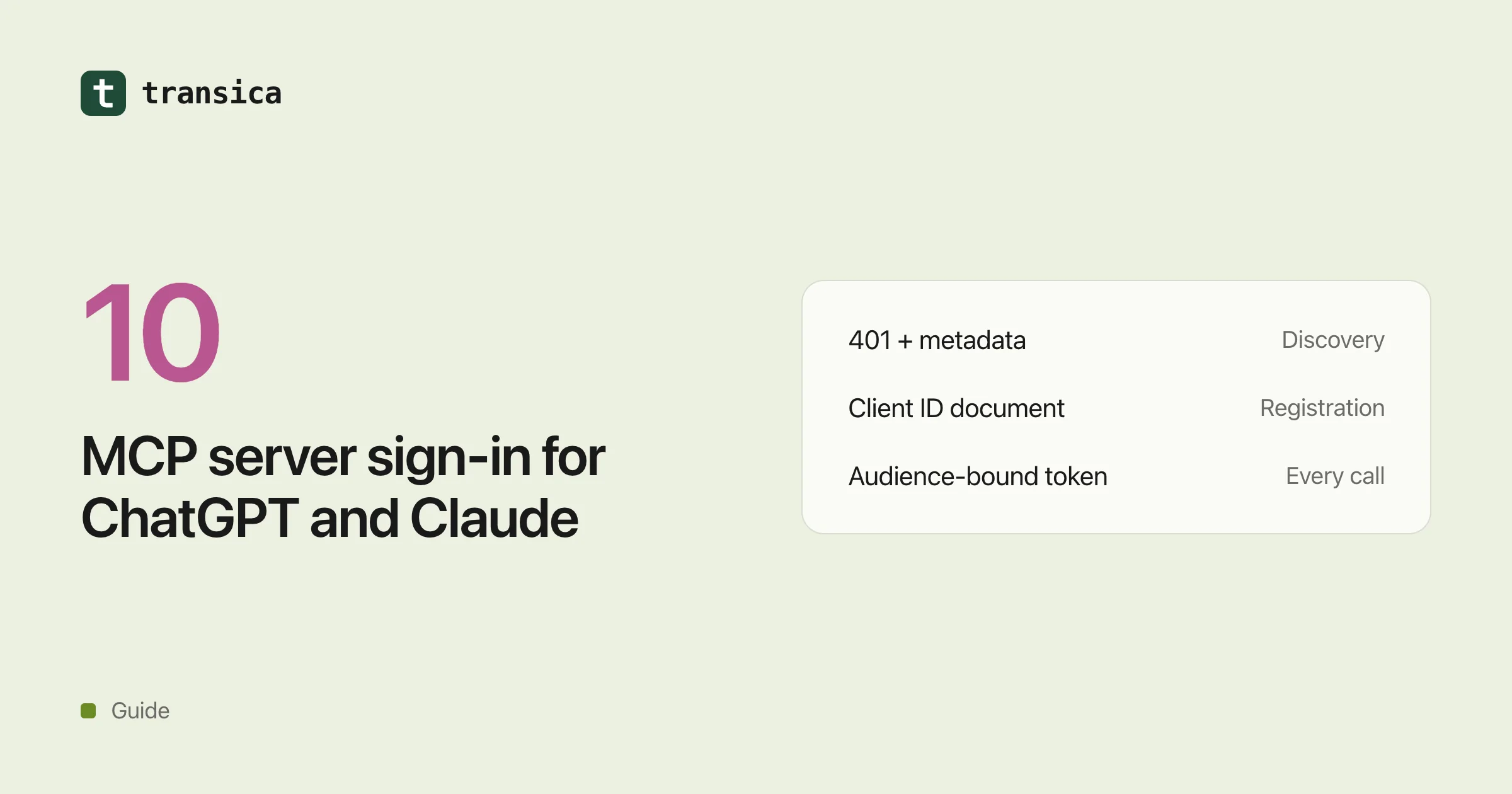
When a request needs sign-in and arrives without a valid token, answer with HTTP 401 and a WWW-Authenticate header that tells the app where your metadata lives. For example: WWW-Authenticate: Bearer resource_metadata="https://mcp.example.com/.well-known/oauth-protected-resource", scope="orders:read".
Two details catch people out. Claude only starts sign-in on a real 401. If you return a normal 200 with a "please sign in" message, that text just shows up in the chat and nothing happens. And the scope part is optional but worth sending, because it tells the app exactly which permissions to ask for, so the consent screen isn't broader than it needs to be.
Step 2: publish where your sign-in lives
Your server needs a small JSON document, called protected resource metadata (RFC 9728), that names the server and its identity provider. The main fields are resource (for example https://mcp.example.com/mcp), authorization_servers (for example ["https://auth.example.com"]), and optionally scopes_supported.
Get these right and most of the rest follows. The resource value has to match your server's URL exactly as people type it into the app, path included. Put your main identity provider first in authorization_servers, because Claude only ever uses the first one. Serve the document at /.well-known/oauth-protected-resource/mcp as well as at /.well-known/oauth-protected-resource, since clients try the first one when your URL has a path. And keep scopes_supported to what basic use needs; you can ask for more later (see per-tool access).
Step 3: make your identity provider discoverable
Your identity provider has to publish its own metadata, either standard OAuth server metadata (RFC 8414) or OpenID Connect discovery. Most providers already do. It's still worth checking a few things. It should list its issuer and its authorization and token endpoints. It should say it supports PKCE with S256, because every flow uses it. Ideally it should include the issuer in each sign-in response (RFC 9207): the spec asks clients to check it and expects to make it required later.
One easy one to miss: the AI app has to be able to reach your identity provider. Claude's requests come from Anthropic's published range (160.79.104.0/21 as of this writing), and a firewall in front of your identity provider can break sign-in even when your MCP server itself is reachable.
Step 4: let the app register itself
Before ChatGPT or Claude can send anyone to sign in, it needs a client ID at your identity provider. There are three ways to get one.
The one the spec now prefers is a client ID metadata document. The app's client ID is simply an HTTPS URL, and your identity provider fetches it to read the app's name and redirect addresses. There's no registration step and no table of clients to maintain. OpenAI prefers it too, and Claude uses it as long as your metadata advertises client_id_metadata_document_supported: true and accepts "none" as a token endpoint auth method.
The second is a client you create yourself and hand to the app. Claude calls this Anthropic-held credentials and takes it in its developer portal. It doesn't work when every customer has their own server URL.
The third is dynamic client registration, where the app registers itself through an endpoint you expose. Both apps still support it, but the 2026-07-28 spec marks it as deprecated, and Claude registers a new client on every fresh connection, so a busy server can end up with thousands of them.
If your provider supports metadata documents, use those. If it doesn't, dynamic registration works for now.
Whichever you choose, register the right redirect addresses. Claude on the web, desktop and mobile uses https://claude.ai/api/mcp/auth_callback. Claude Code signs in through your computer on a random local port, so accept http://localhost/callback and http://127.0.0.1/callback with any port. And show the redirect host clearly on your consent screen, so people can see who's asking.
Step 5: make sure each token was meant for you
During sign-in, the app tells your identity provider which server the token is for (the resource parameter, RFC 8707). Put that into the token's audience. Then check every token on every request: the signature, the issuer, the expiry and the audience. A token meant for some other API has to be refused, even if it's otherwise valid.
The spec is strict about one more thing: your server must never pass the token it received on to other services. If your MCP server calls your own API behind the scenes, it uses its own credentials or exchanges the token for a new one. Forwarding it is a known way to get confused-deputy bugs.
Tokens go in the Authorization: Bearer header only, never in the URL. And when a token is invalid or expired, answer 401 so the app knows to refresh it.
Step 6: make refresh boring
Nobody wants to sign in again every hour. Offer refresh tokens: Claude adds offline_access to its request when your provider lists it, and refreshes up to five minutes before a token expires or as soon as it gets a 401. If the app registered through a metadata document or dynamic registration, rotate the refresh token on each use and send the new one in the same response. When a refresh token is no longer valid, answer with the standard invalid_grant error rather than a custom one, so the app can recover cleanly.
Two practical details. Your token endpoint has to accept ordinary form posts (application/x-www-form-urlencoded), while registration uses JSON, so check both parsers. And be quick: Claude waits ten seconds for discovery, registration and token requests and thirty for refresh, then gives up.
Where ChatGPT and Claude differ
The two apps share the same foundation, but a few things work differently.
| Claude | ChatGPT | |
|---|---|---|
| What starts sign-in | An HTTP 401 with WWW-Authenticate | securitySchemes on each tool, plus an error result carrying _meta["mcp/www_authenticate"] |
| How the app registers | Metadata document (when both values are advertised), a client you give Anthropic, or dynamic registration | Metadata document preferred, dynamic registration supported |
| Other options | A fixed API key in a header (beta, organization-wide) or credentials entered at connection time (on request) | No API keys for public apps |
| Some tools without sign-in | Yes ("lazy authentication") | Yes ("mixed" auth) |
The per-tool side of this is in per-tool access.
How Transica handles this
Transica hosts your MCP app on your own domain and signs people in through the provider you already use, whether that's Auth0, Clerk, WorkOS, Descope, Stytch, Logto, Keycloak, Better Auth, Amazon Cognito or another OpenID Connect provider. It serves the metadata documents, answers each app with the challenge it expects, checks every token and keeps your provider's tokens out of the AI app. Your customers don't get a second set of accounts. See Host your MCP server on your own domain.
Common questions
Does an MCP server need OAuth?
Only for tools that act on someone's account. A server with only public data can run without sign-in, and both ChatGPT and Claude list those. An API key typed into the app isn't an option for public ChatGPT apps, and in Claude it's a beta for organizations only.
Should I use dynamic client registration or client ID metadata documents?
Client ID metadata documents, if your identity provider supports them. The 2026-07-28 MCP spec deprecates dynamic registration, OpenAI prefers metadata documents, and Claude uses them when your metadata advertises them. Dynamic registration still works in both apps for now.
Why does Claude say "Couldn't reach the MCP server" when my server is up?
Usually discovery failed: the 401 had no resource_metadata pointer and there was nothing at the well-known paths, so Claude never found your identity provider. A firewall in front of the identity provider causes the same symptom.
Can I reuse the tokens my web app already issues?
Only if they're issued with the MCP server as their audience. The MCP server has to refuse tokens meant for another API, and it must not forward the tokens it receives to other services.