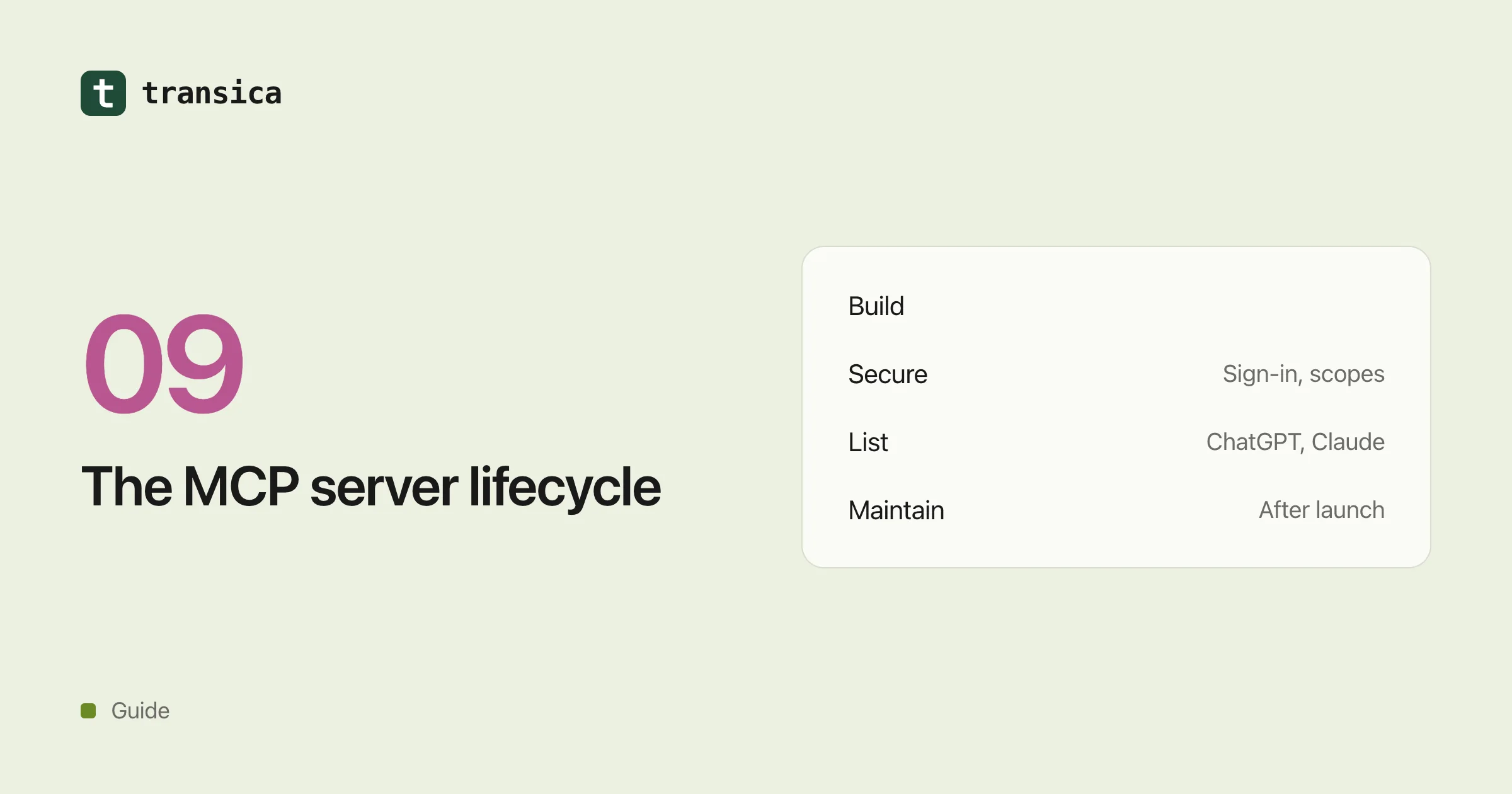
Most teams think of getting into ChatGPT or Claude as one project with a finish line: build the MCP server, submit it, get listed, done. In practice it's a lifecycle. You decide what the AI is allowed to do, build it, lock it down, test it, host it, get it through review, and then keep it working while the directories, the MCP specification and your own product all keep moving.
The early stages get the attention. The expensive problems tend to show up later: a sign-in client that quietly expires, a renamed tool that breaks people's conversations, a rule change that flags an app that passed review in the spring. This guide walks through each stage as of 24 October 2026, and points to a deeper guide where there is one.
1. Decide what the AI may do
Start from the questions people will actually ask, not from your API reference. A booking product probably needs four things: find a free slot, book it, show my bookings, cancel one. It doesn't need the 140 endpoints behind them.
For each tool, ask one question early: can anyone use this, does it need the person to be signed in, and does it change anything? Search is usually public. "Show my bookings" needs sign-in. "Cancel my booking" needs sign-in and changes data. That answer shapes almost everything you do in stage 3.
Then write the tools for an AI reader: plain names, a description that says when to use the tool, and only the inputs it really needs. There's more on this in Turn your API into an MCP server.
2. Build it
You have a few routes. You can write the server yourself with the official MCP SDKs, generate it from an OpenAPI spec, use a developer platform or an integration platform, or have Transica draft it from your API. Whichever you pick, you end up with a remote MCP server speaking Streamable HTTP at a stable HTTPS address. Ways to get your API into ChatGPT and Claude compares the routes.
3. Secure it
This is where most of the hard work is, and where a lot of reviews go wrong.
Anything that touches someone's account needs OAuth. In MCP that means your server publishes a small metadata document pointing at your identity provider, the AI app registers itself (client ID metadata documents are now the preferred way), every flow uses PKCE, and every token is checked on every request and bound to your server. It sounds like a lot, and some of it is fiddly, but it's mostly standard OAuth. MCP server authentication goes through it step by step.
The other half is deciding who can do what. Public tools should just work, without a sign-in screen. Tools that need an account should ask for sign-in only when someone actually uses them. And a token that can read orders shouldn't automatically be able to cancel them. Per-tool access covers how to do that in both ChatGPT and Claude.
Two smaller things matter here too. Both directories check that every tool is honestly marked as read-only or not, destructive or not. And neither wants tools that ask for passwords, card numbers or government IDs as inputs.
4. Test it with real AI agents
A server can pass the MCP Inspector and still confuse a model. Before you submit, run the questions people will really ask through ChatGPT and Claude, and look at what happens. Does the model pick the right tool? With the right inputs? Is the answer right?
Test the sign-in path as well, because that's where things break in practice: the first sign-in, a signed-in tool right after a public one, and what happens when a token has expired.
5. Host it
Production hosting means a public HTTPS address, ideally on your own domain. It also means uptime, quick responses, sign-in through the provider your customers already use, and a way to see which tools get used from which AI app. Host your MCP server on your own domain has the details.
6. Get it listed
Each directory has its own form, its own rules and its own review. ChatGPT wants a verified organization, domain verification, test cases and a demo account (guide). Claude wants tool annotations, OAuth details, a test account and answers about how you handle data (guide). Then there's the official MCP Registry, Microsoft, Cursor and the community directories (guide).
7. Keep it working after listing
Getting listed isn't the finish line. People keep seeing your listing whether your app works or not, so the job now is noticing when something breaks before they do. Five kinds of change cause most of the trouble.
The rules change
OpenAI and Anthropic update their guidelines regularly. A tool that passed in spring can be flagged in autumn. It's worth re-reading the rules before every submission and keeping an eye on them in between.
Your tools change
ChatGPT rescans hosted MCP servers every day and publishes eligible tool changes after its automated checks, and Claude syncs tools from your server too. That's convenient, until a rename or a new required input on your side reaches people the next morning.
A few habits help. Keep a version of your tools and a diff of what changed. When you replace a tool, add the new one first and leave the old one working for a while before you remove it, because removing a tool breaks any conversation that's using it. Run the same agent tests again after every change. And remember that listing text, screenshots and skills need a new submission even when tool changes don't.
Sign-in needs looking after
Sign-in is the part that fails quietly. If you rotate a client secret or delete a registered client, people start seeing errors like invalid_client until they reconnect, so rotate with an overlap. On Claude, changing the OAuth client of a published listing goes through review, and you need to keep the old client working in the meantime, because everyone who connected earlier signed in with it.
Claude also caches your metadata for about five minutes, shared by everyone on the same server URL, so a scope or endpoint change takes a little while to land. Watch for refresh failures, and make sure an expired refresh token gets the standard invalid_grant error so the app asks the person to sign in again cleanly. And retest sign-in after any change to your identity provider: new signing keys, a firewall rule or a moved issuer URL can lock out every user at once.
The specification moves
The MCP specification has had several dated revisions since 2024. The latest one, from 28 July 2026, marks dynamic client registration as deprecated in favour of client ID metadata documents. The AI apps follow at their own pace, so read the changelog when a revision lands and update your server before the apps drop the older behaviour.
Your server goes down or slows down
A listing doesn't disappear when your server does. Calls just start failing. Check health often, get an email when something's wrong, and keep an eye on response times: Claude gives your sign-in endpoints ten seconds before it gives up.
There's more on this stage in Keep your ChatGPT and Claude listings healthy after launch.
How Transica fits in
Transica covers the whole lifecycle. It drafts your MCP app from your API and you approve each tool. It checks the app against ChatGPT's and Claude's rules, and hosts it on your domain with OAuth through the sign-in you already use, with access set per tool. AI agents test it before you submit. After launch it checks the directories' rules every day, checks your hosted app every 15 minutes, saves every tool change as a version with a diff, reruns your tests and emails you when something breaks or changes.
Common questions
What are the stages of getting an app into ChatGPT or Claude?
Decide which tools the AI may use, build the MCP server, secure it with sign-in and per-tool access, test it with AI agents, host it at a stable HTTPS address, submit it to each directory, and then maintain it as the rules, your tools, sign-in and the specification change.
What breaks most often after an MCP app is listed?
Tool changes that reach people before anyone tested them, sign-in clients or secrets that expire or get rotated without an overlap, changes at the identity provider, and directory rule updates that flag an app which passed before.
Do I have to resubmit after every change?
Usually not for tool changes, since ChatGPT rescans daily and Claude syncs tools from your server. Listing text, screenshots and skills do need a new submission, and changing the OAuth client of a published Claude listing goes through review.