Product tour
Every screen in the signed-in dashboard: what it shows, what each control does and where it leads. For step-by-step tasks, see the How-to guides.
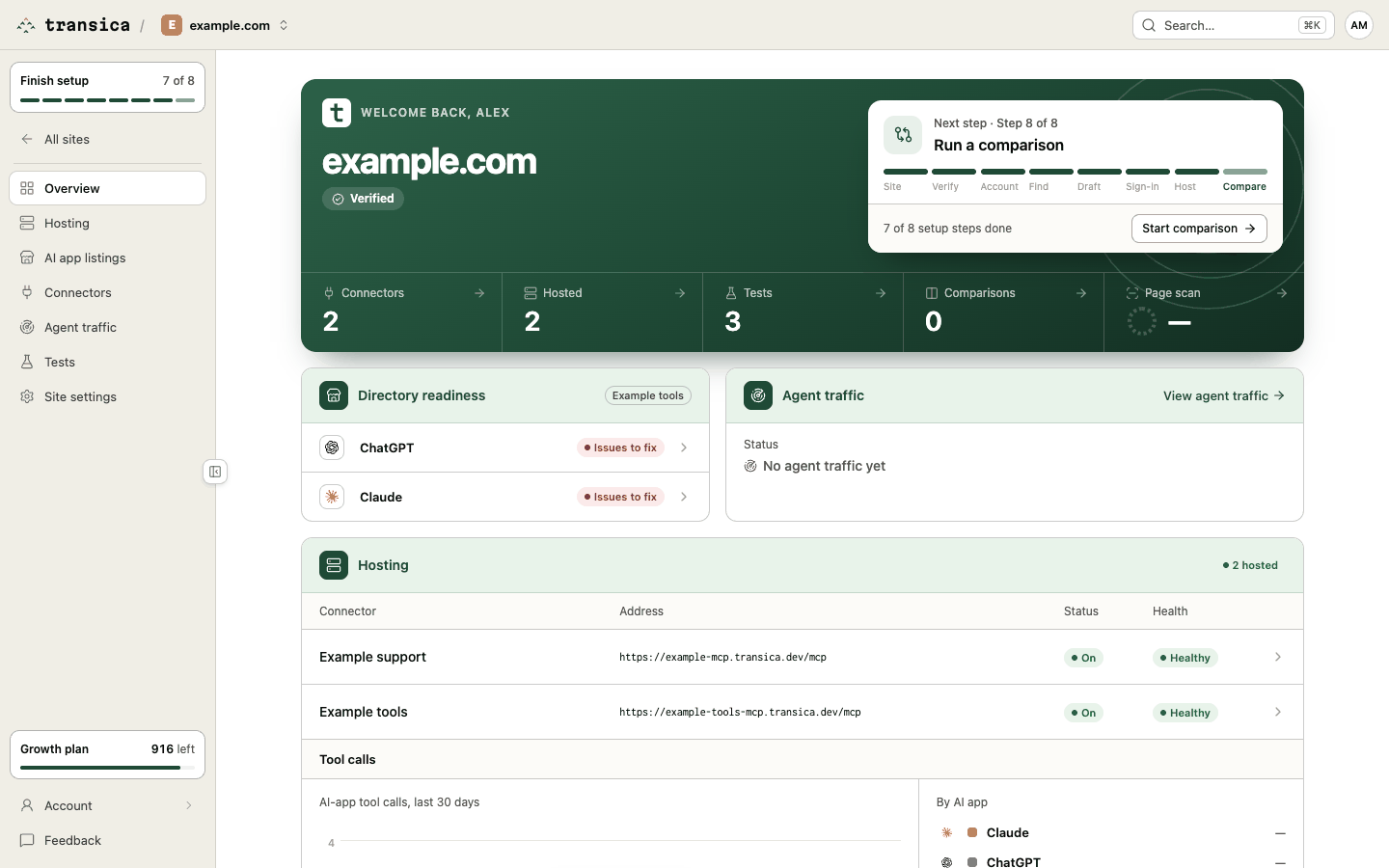
The dashboard is organised around a site. Pick a site, and the sidebar gives you its sections:
| Section | What you do there |
|---|---|
| Overview | The next step, key numbers, directory readiness, agent traffic and hosting at a glance. |
| Hosting | Turn a connector's hosting on, approve write tools, set up sign-in, connect AI apps, watch health. |
| AI app listings | Prepare and track your ChatGPT and Claude directory listings, through the Get listed flow. |
| Connectors | Build connectors and manage their versions and tools on the connector page. |
| Agent traffic | See AI agents visiting your site, before and after you host a connector. |
| Tests | Start AI browser tests, AI connector tests and comparisons; read test reports and comparison reports. |
| Site settings | Ownership, test accounts, the page scan and removing the site. |
Outside a site: Sites (all your sites), Guided setup, and the account pages (profile and email, members, audit log, billing).