Site settings
Ownership, test accounts and the page scan for one site, and removing the site. Three tabs.
Where: sidebar → Site settings (/dashboard/sites/<site>/settings).
Ownership
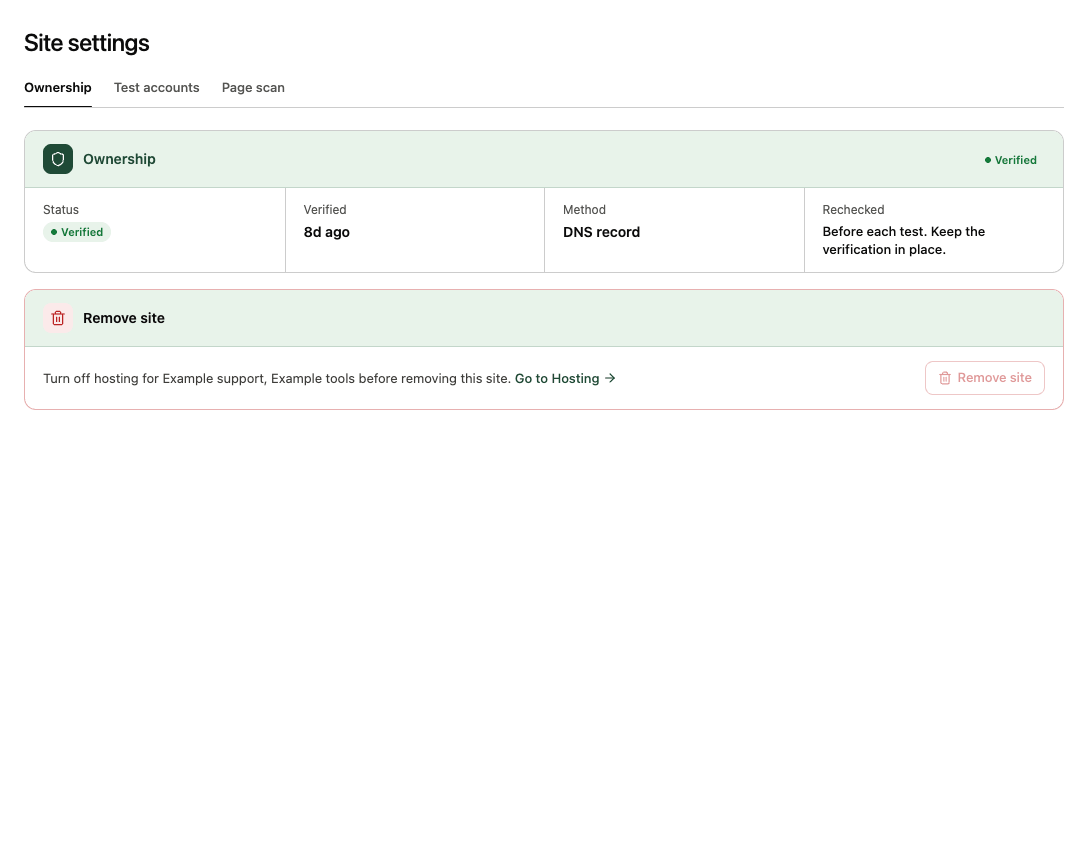
Status (Verified or Not verified), when it was Verified, the Method (meta tag, file or DNS record) and Rechecked: verification is re-checked before each test, so keep the tag, file or record in place. If it's missing, tests stop until you verify again. Until the site is verified, the tab shows a count and the three ways to verify. See Add and verify your site.
Test accounts
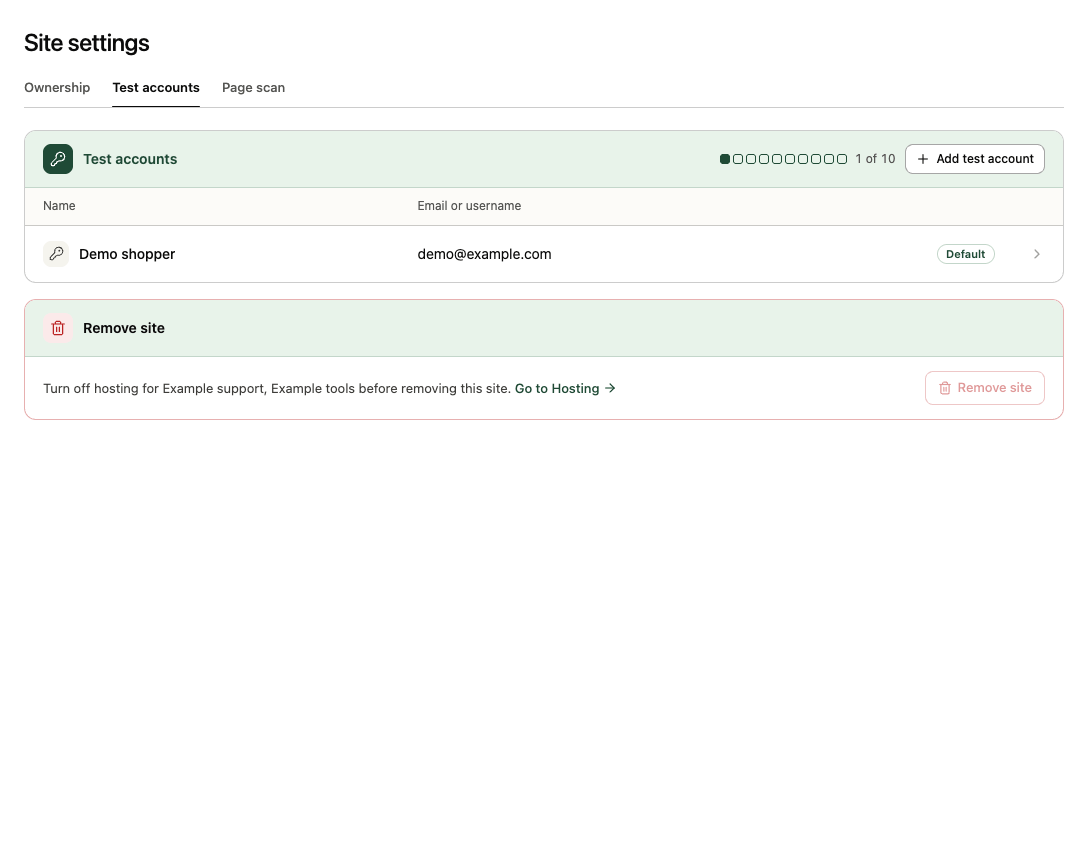
Up to 10 named test accounts per site, listed with their Name and Email or username. The password is stored encrypted and never shown again. One account is the Default: tests, explores and comparisons use it unless you pick another, and reports say "Signed in as name (username)". Open an account for its Sign-in page and Sign-in check, with Edit, Make default and Remove. Add test account opens the form, with Advanced sign-in settings for unusual login pages. Adding, editing and removing accounts is for admins, once the site is verified. See Add a test account.
Page scan
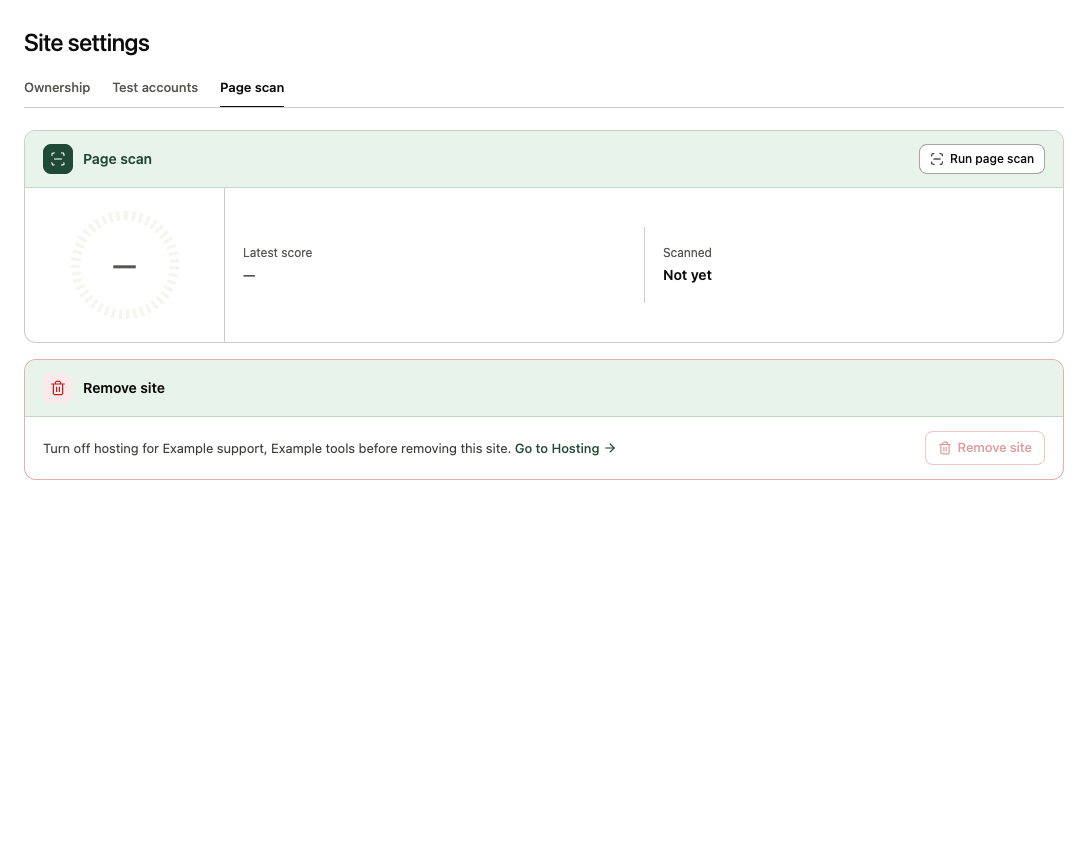
Run page scan runs the AI readiness scan on the site's home page. The Latest score and when it was Scanned (a link to the report) show here, on the site overview and in the Sites list.
Remove site
Its own panel at the bottom of every tab (admins). Remove site permanently deletes the site and everything tied to it. The confirm dialog lists what goes: its connectors with their versions and hosting settings, its tests and comparisons, and its test accounts, task sets and agent traffic. Billing and audit records are kept.
It's refused while a test, explore or launch is running. While a connector is hosted, the panel asks you to turn off hosting first, with Go to Hosting. Adding the same address again later starts fresh, unverified, with a new verification code.