AI readiness scan
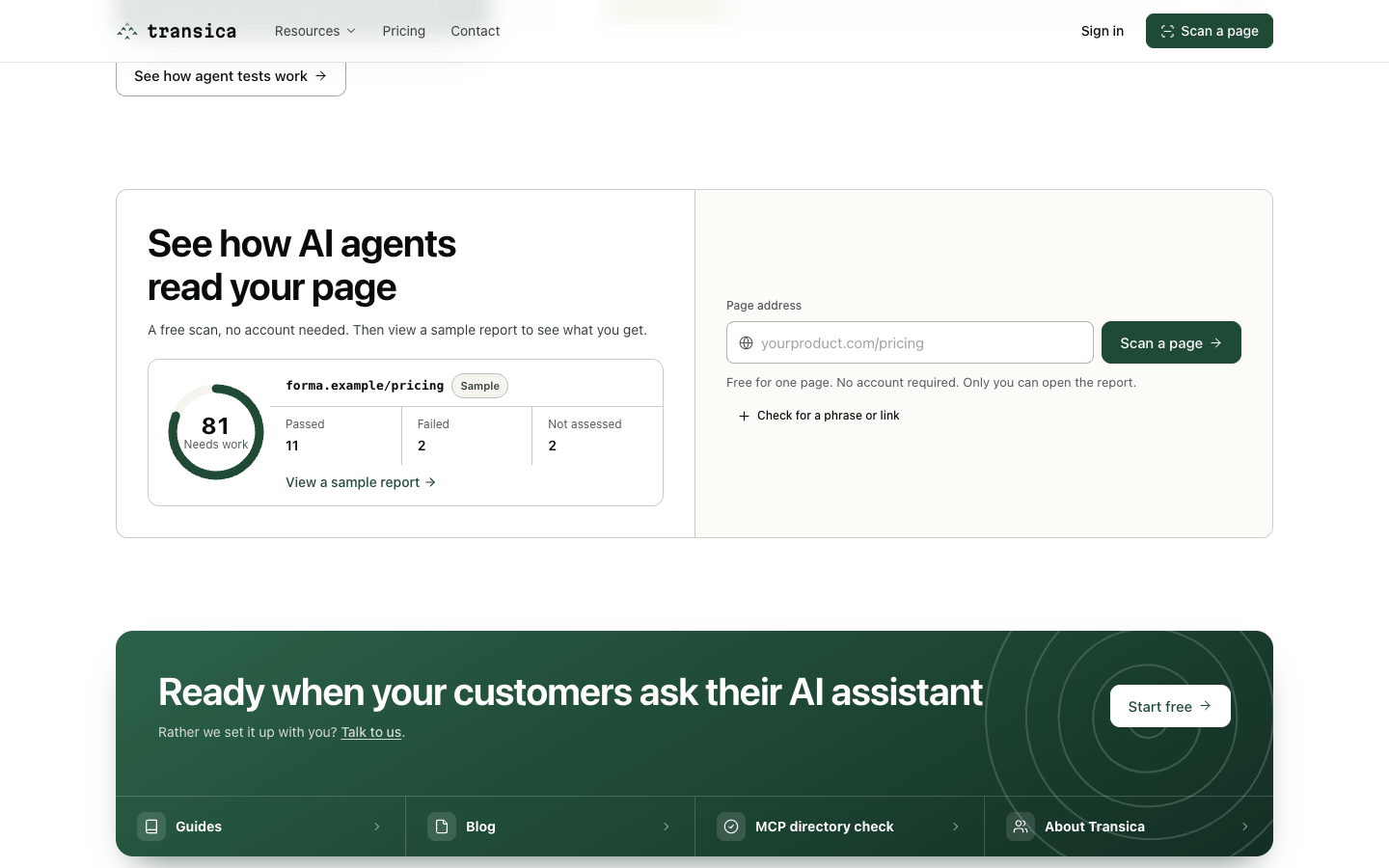
A free, accountless check of one public page: can AI search tools and assistants reach it, read it without running JavaScript, understand it and use its links and forms? You get a score, every check's result and the fixes that matter most.
Run a scan
- Go to transica.dev and select Scan a page (top right, or the form near the bottom of the home page).
- Enter a page address, for example
yourproduct.com/pricing. - Optional: select Check for a phrase or link to add an Expected phrase (text that must be readable) or a Link to find (a link agents must be able to find). These become two extra checks.
- Select Scan a page. Most scans finish in a few seconds and open your report.
Read the report
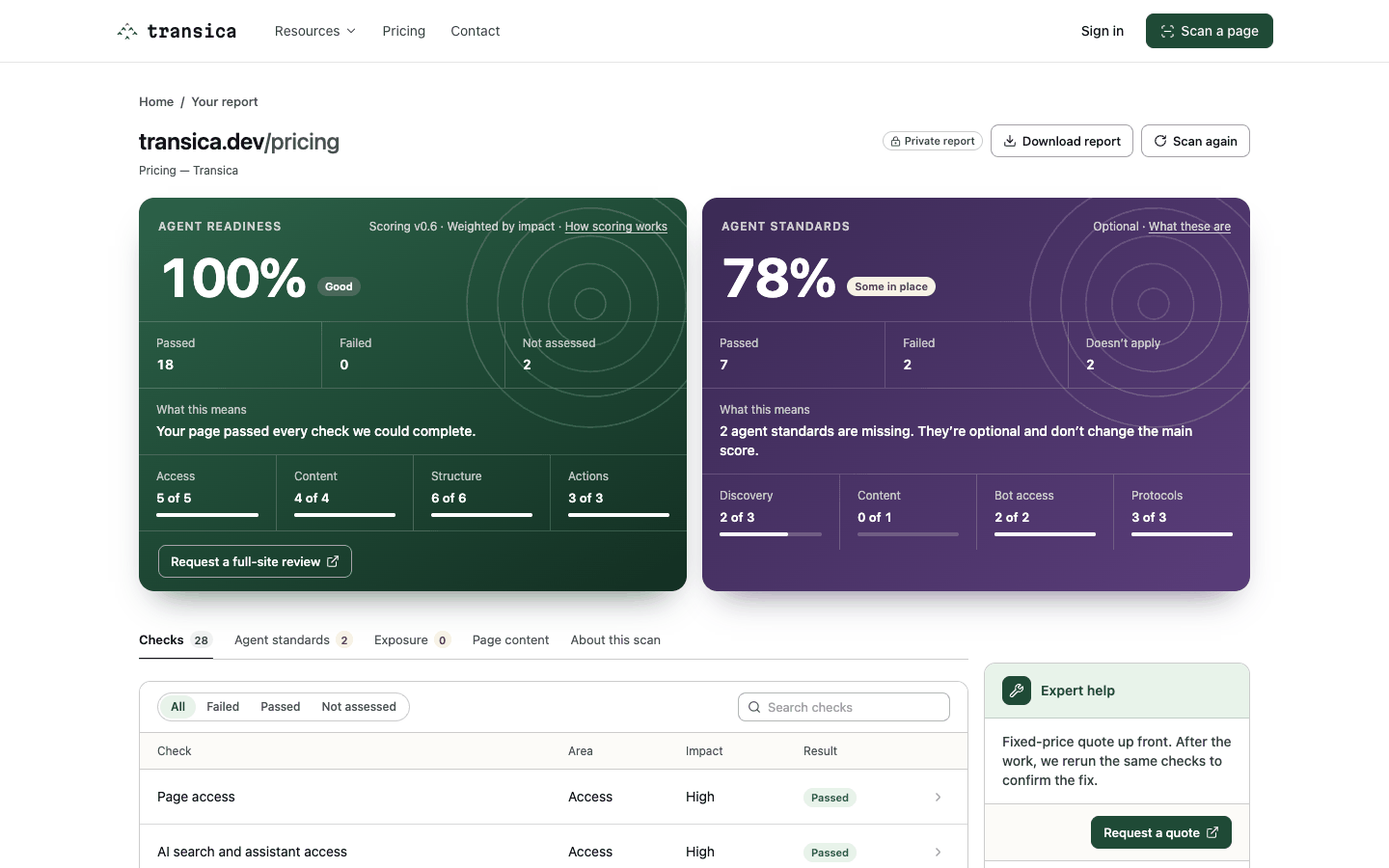
The report has two scores and five tabs.
Agent readiness (the main score) is points earned out of points available, weighted by impact: high-impact checks are worth 3 points, medium 2 and low 1. Checks that couldn't be assessed are left out rather than counted as failures. A score is shown only when at least 6 checks have results and the page is readable. If AI tools can't read the page's main text (Page text or Content without JavaScript fails), the score is capped at 59. Scores of 85 and up read Good, 60 to 84 Needs work, and below 60 Poor. The four areas are:
| Area | Question | Example checks |
|---|---|---|
| Access | Can AI tools reach it? | Page access, AI search and assistant access, search indexing, response time, sitemap freshness |
| Content | Can they read it? | Page text, content without JavaScript, other pages sampled, title and heading, image alt text, expected phrase |
| Structure | Can they understand it? | Headings and heading order, structured data (and whether it matches the page), language and description, business identity |
| Actions | Can they use it? | Links in main content, links and buttons agents can use, form labels, expected link |
Agent standards is a separate, optional score for agent-specific files and protocols, in four groups: Discovery (robots.txt, sitemap, Link headers that point to agent files), Content (Markdown for agents), Bot access (AI bot rules, Content Signals) and Protocols (API catalog, MCP server card, OAuth discovery, agent skills, A2A agent card). OAuth discovery and the A2A card show Doesn't apply unless the scan sees a signed-in API or an agent. WebMCP is shown but not scored. This score never changes the readiness score; missing optional files aren't a failure.
The tabs:
- Checks: every scored check with its area, impact and result. Filter by Failed, Passed or Not assessed, or search. Open a row for the evidence and the fix.
- Agent standards: the optional standards above, check by check. Filter by Failed, Passed or Doesn't apply.
- Exposure: controls hidden from people but visible to agents (for example a closed chat panel). Shown only when the scan finds some; never scored.
- Page content: what an AI tool actually reads from your page without JavaScript.
- About this scan: what was requested, timings, limits and the scoring version.
From the report you can Download report, Scan again, Email me a copy or Delete this report, and Request a quote if you'd like us to fix what it found. Reports are private (only someone with the link can open them) and are deleted after 7 days.
What a scan does, exactly
| Request | Purpose |
|---|---|
GET /robots.txt |
Crawler rules are read and respected, never bypassed |
GET /your-page |
The HTML, up to 750 KB, without running JavaScript |
GET /sitemap.xml |
Dates and pages, for sitemap freshness (stale after 365 days) |
| Up to 3 more pages | From the sitemap or navigation, for the "other pages" check |
GET /llms.txt |
Looked for, never scored |
Pages time out after 8 seconds with one retry of up to 45 seconds; up to 3 redirects are followed, with crawler rules re-checked at each. Forms are never submitted. Agent standards add a few small same-site requests, such as /.well-known/api-catalog and /.well-known/mcp/server-card.json, within the same limits. The full method is on Methodology.
Each address can run 50 scans a day, and each site can be scanned 100 times a day.
Scoring version
Scans use agent-readiness-0.6, which added the Agent standards score. Every report names its version under About this scan.
From a scan to the product
A scan looks at one page from the outside. To see whether an AI agent can actually complete tasks on your site, run an AI browser test. Signed-in owners can also run the page scan for a verified site from Site settings → Page scan, and the latest score shows on the site's overview.