Add an app
Add your product to Transica with its first source: a website, an API or an MCP server you already run.
You need: the address of that source. Who: members and admins.
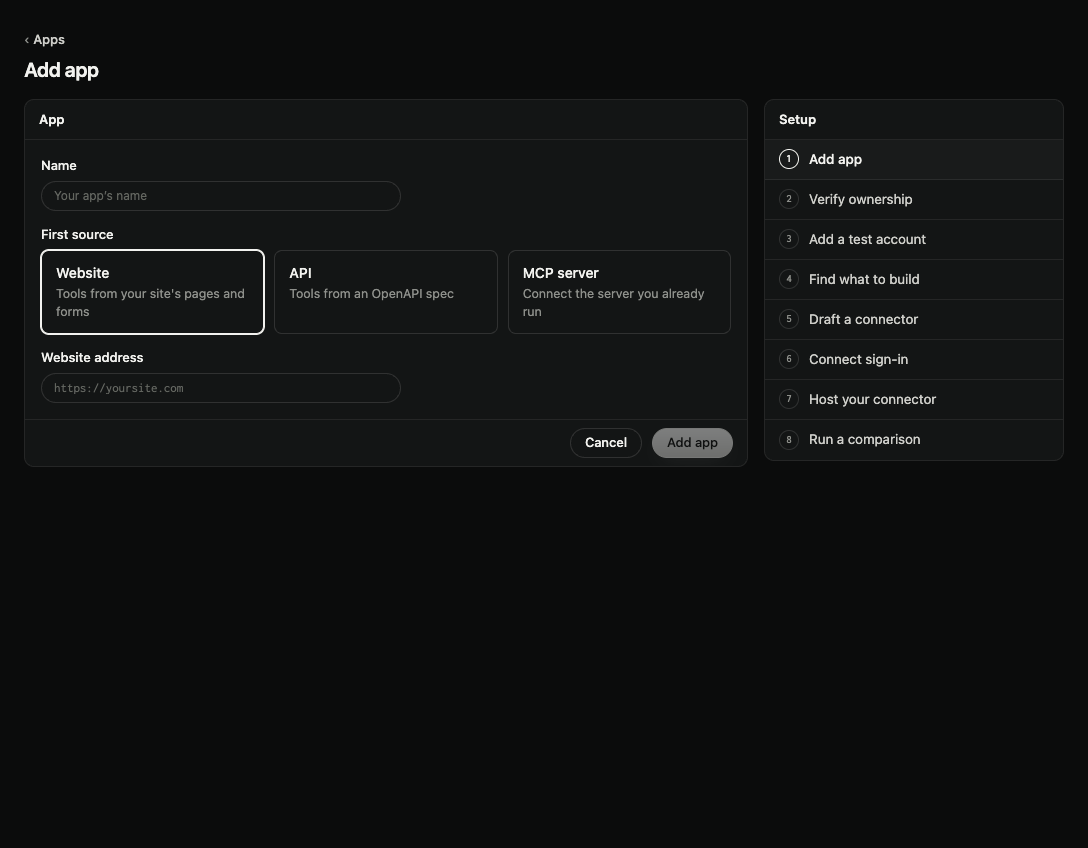
- Select Add app on Apps, in the app switcher in the top bar, or in the sidebar before you have an app.
- Enter a Name: your product's name, as AI apps will show it.
- Pick the First source:
- Website: tools from your site's pages and forms. Enter the Website address, for example
https://example.com. - API: tools from an OpenAPI spec. Enter the API base address, for example
https://api.example.com/v1. - MCP server: connect the server you already run. Enter the MCP server address, for example
https://mcp.example.com/mcp.
- Website: tools from your site's pages and forms. Enter the Website address, for example
- Select Add app.
A website takes you to guided setup at Verify ownership. An API or MCP server takes you to the app's Sources.
Your plan sets how many apps you can add. See Plans and credits.
Next: Add a source, Prove you own a source, or Build a connector from your API spec.